Do Not Disturb mode: Take Control of Your Business Calls
“Do Not Disturb mode” this functionality was originally a feature for phones: with a single tap, all notifications disappear. In today’s modern business phone system, it’s something so much more useful, a means to protect focus time without ever missing the calls that count. But, what started off as a handy feature for personal phones has become a vital feature for sales teams, support desks and everyone whose career relies on the phone ringing when they need it and not when they don’t.
This article explains the feature functionality in the context of a business, the relationship between the feature, call forwarding and call routing, and how to use the feature without causing any disruption to the customer.
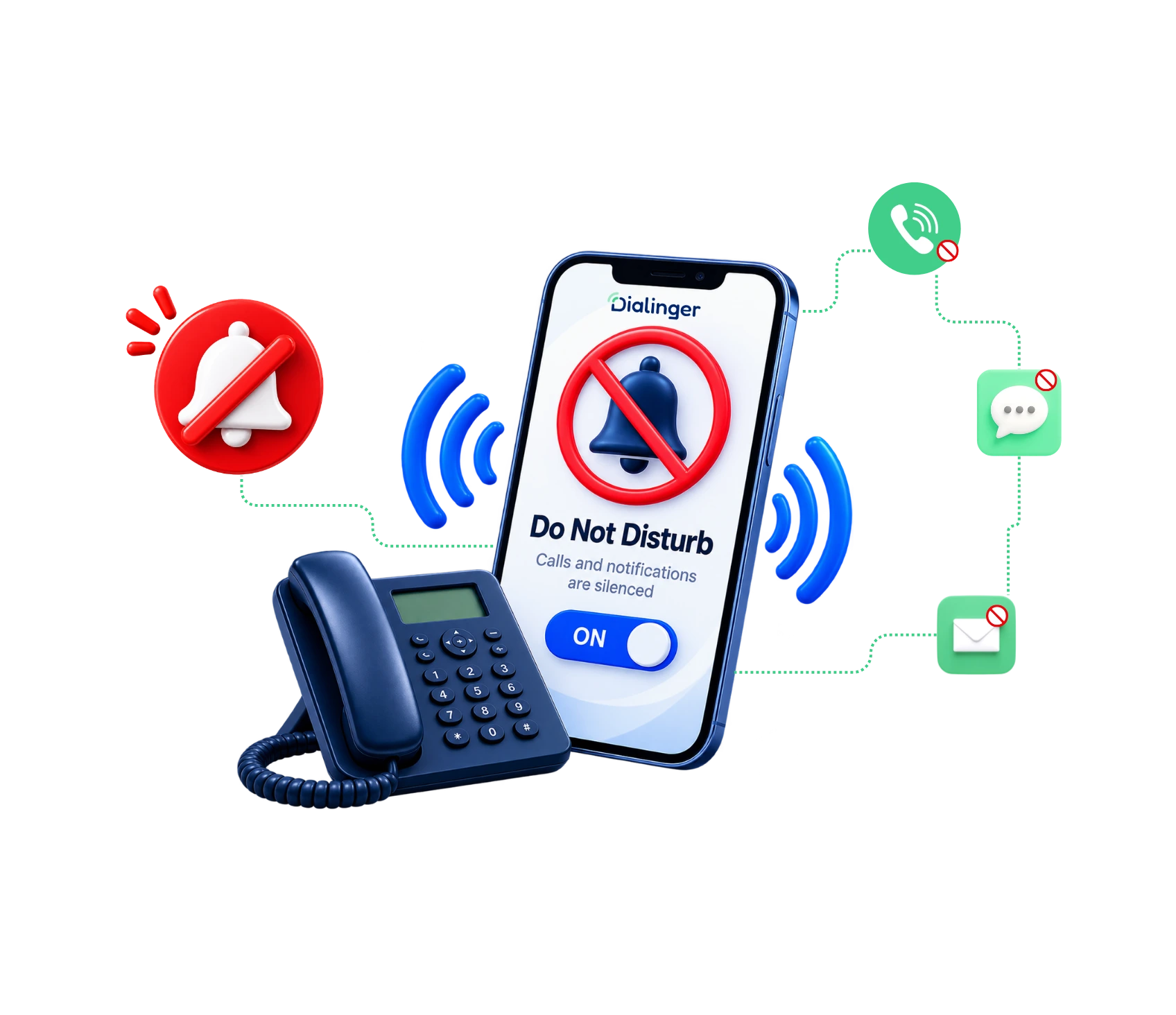
Why Constant Notifications Are Ruining Your Day at Work?
Phones today ring, buzz, and light up more than most people can count in an hour. One unread notification distracts from a task and can take several minutes to get back to the task later. It doesn’t take long to become annoyed by this constant noise when you are trying to complete a report, attend a client meeting, or simply relaxant the weekend without work intruding. This is where the Do Not Disturb mode comes in handy. It offers a straightforward way to manage how they receive calls and messages, rather than having to attend to them every time they arrive. This feature restores ownership of the goal to the user, whether it’s to prevent them from being paged into a deep work session or protect their personal time from work calls; it doesn’t completely cut the user off.
So, what is Do Not Disturb mode, anyway?
In essence, Do Not Disturb mode is an option that stops incoming calls and messages for a specific time, but doesn’t shut down the phone. Users don’t lose calls completely; they remain in control of what’s next. A call can be directed to voicemail, sent an automatic text message, or simply be held until the setting is changed. This is not simply muting a phone, where all sounds are muted, but there is no structure behind it, and the caller isn’t sure what came or went.
Known also by its short name DND mode, this feature is designed to be silent and in the background for a person to get their work done, whether that be in a meeting, when they have a project, they need to meet, or for some relaxation time. Does not include going offline. It means planning, in advance, what to do with incoming calls when another action is taking place.
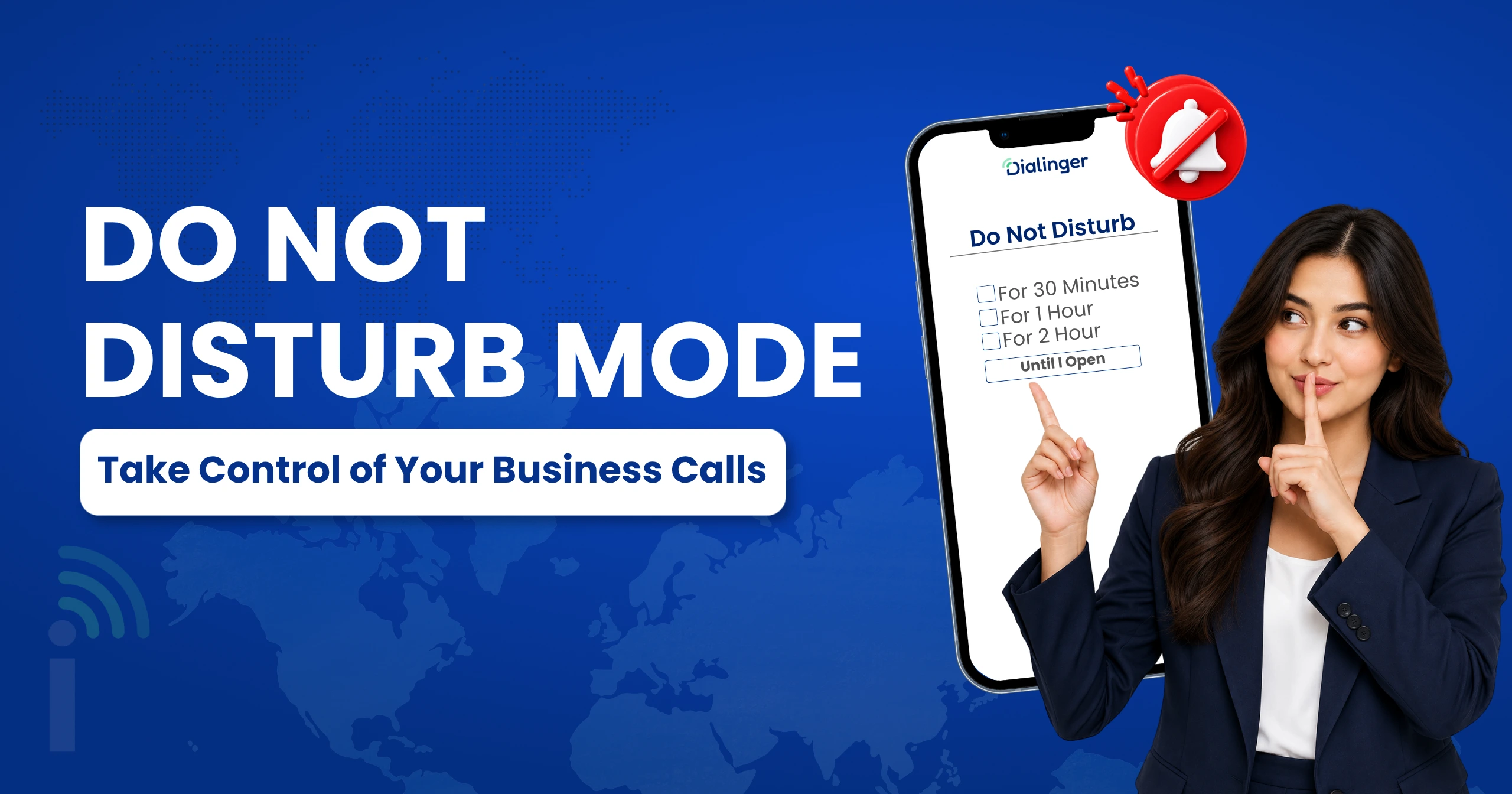
Key Benefits of Using This Feature at Business
Do Not Disturb mode doesn’t mean you’re totally preventing calls. It’s just picking the right time to get them. For individual team members or teams who develop a habit of using this feature, there are a few benefits:
- Better concentration: Long, uninterrupted stretches of time are required for enhanced focus in deep work and brainstorming sessions. One phone call can ruin that concentration, and research on task switching indicates it takes much longer to get back on task than the call does.
- Improved work-life balance: Working without guilt means workers don’t burn out as much and remain loyal to the organization. This transition becomes seamless, standardized, and trustworthy when automated.
- Less unnecessary interruptions: Not all calls must be responded to immediately. By eliminating the non-urgent, one person will only have to deal with what is really urgent, at a time when he is ready for it, rather than reacting to the first one in the queue.
- Greater productivity: Meetings, sales calls, and support sessions all run more smoothly without the distraction of a ringing phone. Those teams that keep time-slots like this end up getting more done in less time and fewer unfinished jobs.
- Helps with planning: If all members of a team know when calls go through and when they don’t, it makes planning easier, and fewer messages go in the wrong direction.
Core Features Built into a Reliable DND mode
DND mode isn’t the same in all versions. A simple one may only turn the ringer off, while a more powerful one may provide the user with genuine control over the handling of calls when they are not available. Some of the features to look out for are:
- Auto mute for incoming calls: Once turned on, every call is muted automatically, with no need to adjust settings each time. It allows you to have meetings, breaks, and deep work time without any extra work.
- Quiet hours scheduling: Users can configure quiet hours scheduling ahead of time, instead of remembering to turn the setting on and off each day. After the quiet hours are set, the system automatically switches to and from the mode, helping to maintain a consistent schedule without effort and without risk of forgetting.
- Auto-reply: If silence is silent, then silence must be silent for the caller as well. A good call auto-reply is sending a text or voice message back to the caller automatically, and telling them that their call has been received and when they should expect a response. This will assure professional communication even if no one is available to answer, and it can make the difference between a patient customer and one who is frustrated.
- Personalization based on shift, role, or location: Teams do not work the same hours. A flexible system gives flexibility around the time of the day, location, or type of shift, which is important when working in different time zones or remote locations within the same working day.
When to Turn on Do Not Disturb mode
It’s important to know when to use it, as well as the fact that you have it. Some typical times it can be very useful are:
- During important meetings or client presentations, a ringing phone can break the flow of conversation and undercut a team’s credibility in front of a client.
- Managing a support case with a high priority, which requires full attention and cannot be sidetracked by other matters that may come up during the conversation.
- Outside of business hours, because after-work time should be personal time and not used for work calls in the evening or over weekends.
- When attempting to focus on a lesson, webinar, or live session, attention is divided among all the distractions.
- When you’re on the road or vacation, if you actually feel like you’re on vacation, instead of a slower workday vacation.
In all of these scenarios, the idea is that “calls and messages don’t get through” rather than not getting through at all, and that an “auto-reply” is in place to let callers know that.
It is Possible to set up without Complicating Things
Do Not Disturb mode doesn’t have to be a complicated process. Generally, it is good practice to begin by having one or two-hour blocks, e.g., lunch or after hours, and then establish the rest of the quiet hours based on this. Giving DND mode a short, friendly call auto-reply message ensures that the caller knows that a call has been received. As the roles or shifts evolve and require different settings, they can be added over time, but don’t have to be fully built on the first day. Usually, it takes only a short period of time, such as a week, to determine which hours are actually worth protecting, and which automatic reply message sounds like the business, and not a template.
Adding It to a Modern Virtual Phone System
This type of environment is a personal productivity tool for individuals. In a business context, it is best suited when combined with other features like quiet hours, call routing, and auto-replies, as they all operate together rather than as separate, disconnected features. Having a virtual phone system with a robust implementation of this feature provides flexibility in how teams can remain accessible, without having to wait for every incoming call to come through, regardless of other priorities.
Dialinger version of this feature is based precisely on this notion. When it’s time to attend a meeting, after hours, or during a personal appointment, it puts all incoming calls and messages on mute, but allows the user to set up a greeting, such as “Mute me,” “Redirect me” or “Follow-up on this call,” along with the time of that follow-up. When used in conjunction with the scheduling of quiet hours and cross-device syncing, it will fit into a virtual phone system that works for the team as a whole, not for everyone at the same time, regardless of whether they’re working at home or in the office.
What This Setting Really Changes?
Do Not Disturb mode is a small step change, but a big change in the relationship of a person with their phone. Users do not necessarily have to respond to all incoming calls as they come in, but they choose when to respond to the calls and let the system take action for the remaining ones. To a business, it translates to fewer lost opportunities and a staff that’s never on edge waiting for the next disruption. For an individual, it’s a workday that has limits, and personal time that remains personal, and which is only shielded by a setting turned on in advance.
Frequently Asked Questions
What is Do Not Disturb mode in a virtual phone system?
Do Not Disturb Mode lets users temporarily silence incoming calls and notifications. It helps employees stay focused without changing their virtual phone system settings.
Does it integrate with other call handling features?
Yes. Do Not Disturb mode can work alongside other call handling features. Calls can be routed to voicemail, another team member, or a predefined destination when DND is active.
Can important calls bypass this mode?
Many virtual phone systems allow users to set exceptions for important contacts or calls. This helps ensure critical communication can still reach the right person.
Can Do Not Disturb mode be scheduled?
Yes, many virtual phone systems allow Do Not Disturb Mode to be scheduled for specific hours or work periods.



