Secure Device Access Control: A Practical Guide for Connected Businesses
A few years back, most businesses only had to worry about a handful of computers and maybe a shared printer. Now it’s phones, sensors, smart cameras, connected equipment, sometimes dozens or hundreds of devices scattered across different locations, all needing some way to be reached and controlled. This is exactly the problem secure device access control exists to solve, without turning the whole thing into a security nightmare.
It sounds like a technical afterthought until something goes wrong, an unauthorized login, a device someone forgot to lock down, a former employee who still has access months after leaving. Getting this right from the start saves a business from a lot of painful cleanup later.
What Is Secure Device Access Control, and Why Does It Matter Now?
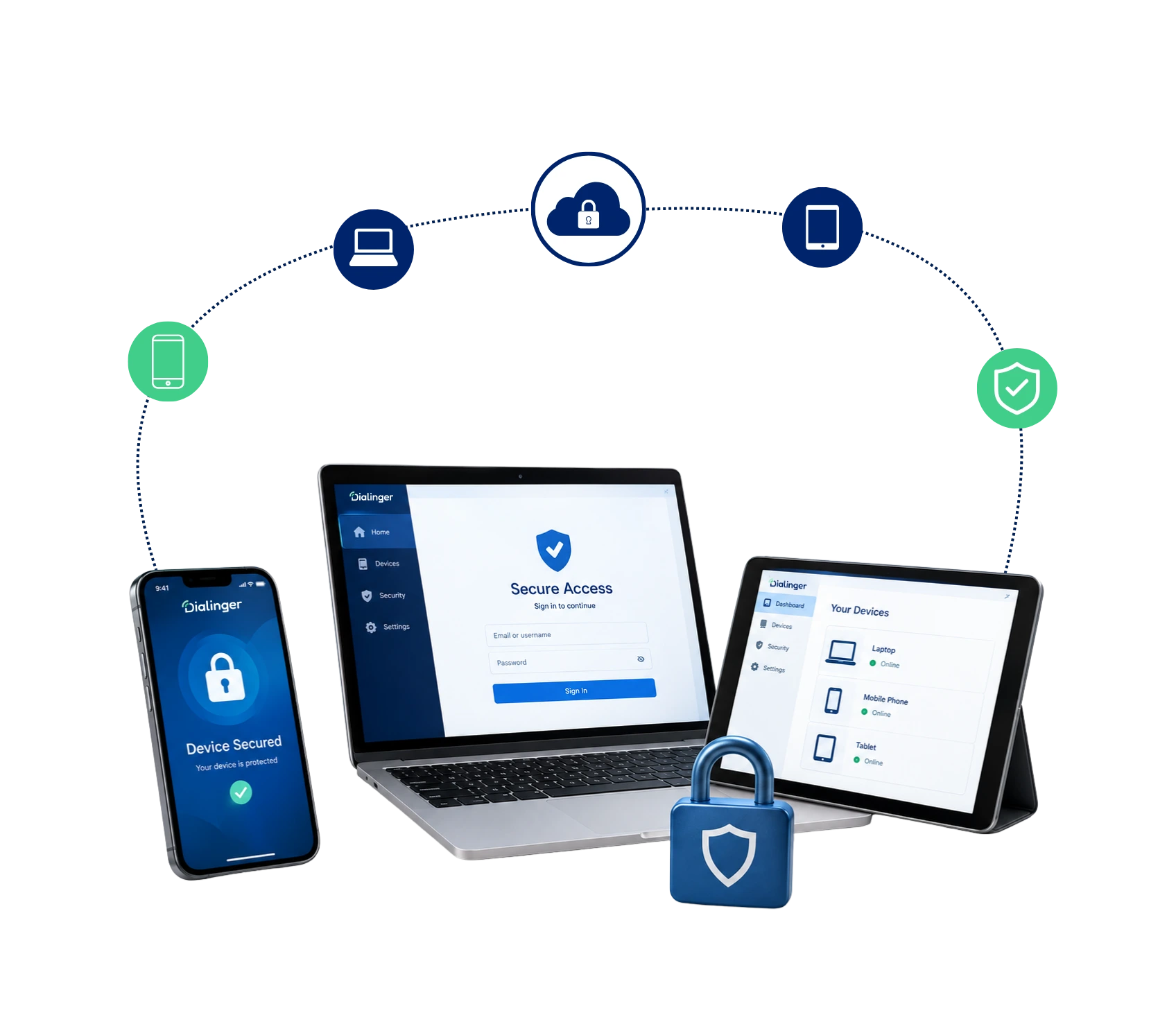
At its core, secure device access control means controlling exactly who can reach, control, or configure a connected device, and making sure that control can’t be hijacked by someone who shouldn’t have it. Whether it’s a laptop, a smart sensor, or a piece of connected equipment sitting in a warehouse, this is the layer that decides who gets in and who doesn’t.
This matters more now simply because there are so many more devices to manage than there used to be. A business running ten years ago might have worried about securing a server room. A business today might have connected devices spread across five locations, accessed by employees working remotely, contractors coming and going, and automated systems talking to each other constantly. Without the right protections in place, any one of those connection points becomes a potential weak spot.
How Secure Remote Access Actually Works?
A huge chunk of modern device access happens remotely now, not from someone sitting physically next to the equipment. Secure remote access is what makes that possible without leaving a device wide open to anyone who happens to find it online. The mechanics usually involve a few layers working together:
1→
Authentication
Confirms the person connecting is actually who they claim to be, often through more than just a password.
2→
Encrypted Connections
Ensures that the data in transit between user and device is not captured on the way.
3→
Session Controls
What can be done once a user is logged on, what he views, what he can modify, and for how long.
Secure remote access matters enormously for businesses managing equipment across multiple locations, or for teams that need to troubleshoot a device without physically traveling to it. Done properly, someone can rely on secure remote access to reach a device on the other side of the country in seconds, without that convenience becoming a security liability for the whole network.
Why Device Access Control Matters More Than Ever
Device access control is really the practical, day-to-day piece that makes this whole approach actually work. It’s the set of rules and systems deciding exactly who can reach a specific device, under what conditions, and with what level of permission. Without it in place, businesses tend to fall into one of two bad patterns:
- Locked down too tightly: Legitimate work grinds to a halt because getting access approved takes forever.
- Left wide open out of convenience: Tightening things up feels like too much hassle, so it just never happens.
- The middle ground actually works: Good device access control gives people exactly the access they need for their role, nothing more, nothing left dangerously open.
- It scales with the team: A five-person company can informally track who has access to what. A fifty-person company can’t, not without device access control actually enforcing those rules automatically rather than relying on someone’s memory.
We'd Love to Hear From You
Ready to expand your business globally?
Fill out the form below, and our team will help you choose the perfect number.
Understanding IoT Device Security Risks
Connected devices bring their own particular headaches, and IoT device security deserves its own conversation separate from securing a regular laptop or phone. Here’s where the real risk tends to show up:
- Weak default settings: A lot of IoT hardware ships with a default password nobody bothers changing, which makes it an easy target if it’s ever exposed to the internet directly.
- Unattended devices: A sensor sitting in a warehouse, a smart lock on a door, a piece of equipment nobody physically checks on daily, these devices can’t rely on someone noticing something looks off the way a person might notice unusual activity on their own laptop.
- No one watching around the clock: Since nobody’s monitoring these devices in real time, the security has to be built in and automated rather than relying on a person catching the problem.
- One weak device can compromise everything: Weak IoT device security has caused real headaches for businesses in the past, entire networks compromised because one forgotten, poorly secured device became the easiest way in.
- Scale makes it harder to manage: A business might roll out twenty connected sensors in a single afternoon, each one a new potential entry point. Without a deliberate approach, IoT device security tends to become an afterthought handled during a rushed cleanup rather than baked into the rollout from day one.
Setting Up the Right Access Permissions
Getting access permissions right is honestly where a lot of the real security work happens, quietly, in the background. It’s not glamorous, but it’s the difference between a system that’s genuinely locked down and one that just looks secure on paper.
- Follow the minimum-access principle: Give people only the level of access actually needed for their role, nothing extra just in case.
- Match access to the actual task: If the technician only needs to restart, he won’t need complete configuration access. A manager who looks at the reports need not be able to adjust the device settings at all.
- Limit the blast radius: Setting access permissions this way limits the damage if any single account ever gets compromised, since that account only ever had limited reach in the first place.
- Revisit permissions regularly: Roles change, people leave, contractors finish projects, and access permissions that made sense six months ago can quietly become a liability if nobody remembers to update them.
Remote Device Management for Keeping Control at Scale
Once a business has more than a handful of devices, remote device management becomes less of a convenience and more of a necessity. Trying to manually track and secure dozens or hundreds of individual devices without centralized tools simply doesn’t scale, someone inevitably loses track of something. Here’s what a good setup actually gives you:
- One place to see everything: Rather than checking each device individually, administrators can monitor what’s connected, who has access, and whether anything looks unusual from a single dashboard.
- Faster problem-catching: Spot a device that’s gone offline unexpectedly, or revoke access instantly if something looks wrong, this centralized visibility is often what catches a problem early.
- Easier expansion: A company opening a third or fourth location doesn’t want to reinvent its security process every single time, remote device management means a system that already knows how to onboard a new site quickly and safely.
- A record over time: Good remote device management keeps track of who accessed what, when, and from where, so if something ever does go wrong, a business can trace back exactly what happened instead of piecing together a timeline from scratch.
Common Mistakes Businesses Make With Device Security
A few patterns show up repeatedly in businesses that end up dealing with a security incident they could have avoided:
Never changing default credentials
Plenty of devices ship with a default password that's public knowledge, and leaving it unchanged is an open invitation.
Granting broad access out of convenience
It's tempting to give everyone full access to avoid support requests, but it quietly increases risk with every account added.
Forgetting to revoke access after someone leaves
A former employee or contractor with lingering access is a common, entirely preventable weak point.
Treating secure device access control as a one-time setup
Security isn't something you configure once and ignore, devices, roles, and threats all change over time.
Avoiding these mistakes doesn’t require anything exotic, mostly just consistent habits and taking secure device access control seriously as an ongoing responsibility rather than a checkbox to tick off once.
Who Actually Needs This
It’s easy to assume this only matters for large enterprises with sprawling IT departments, but that’s not really accurate anymore. A few situations make this especially worth taking seriously:
- Businesses with remote or hybrid teams, where employees connect to company systems and devices from all sorts of different networks, some more secure than others.
- Companies managing physical equipment across multiple sites, shipping, warehousing, retail locations, where a device sitting unattended still needs to stay protected.
- Any business adopting IoT or smart devices, even a handful of connected sensors or cameras adds a new set of entry points that need managing.
- Growing teams bringing on contractors or seasonal staff, since temporary access needs to be just as controlled as permanent access, maybe more so.
None of these situations require a massive security budget to address properly. They just require actually treating device access as something worth planning for, rather than an afterthought that gets patched together after something already went wrong.
Why Dialinger Fits Into This
If you’re evaluating how to actually implement this across your business, Dialinger’s secure device access control solution is built specifically to give businesses real control over connected devices, without turning it into a full-time IT project. It’s designed to handle the practical side of things, who can access what, and how that access stays protected.
For businesses managing a broader mix of connected equipment, Dialinger’s IoT and device connectivity solution extends this same thinking across sensors, smart devices, and remote hardware. If your setup includes API-driven automation, the API connectivity solution covers that ground too, letting devices and systems talk to each other securely rather than through unsecured, ad-hoc connections. You can book a demo to see how it fits your actual setup before making any decision.
At the end of the day, secure device access control isn’t about making things harder to use. It’s about making sure the right people can get in easily, while everyone else simply can’t, and that distinction is what actually keeps a growing business safe as it adds more devices, more locations, and more people who need to reach them.
Frequently Asked Questions (FAQs)
What does secure device access control actually mean in practice?
It basically means controlling who’s allowed to reach, use, or change a connected device, and making sure that control can’t be taken over by someone who shouldn’t have it. Whether it’s a laptop, a smart sensor, or equipment sitting in a warehouse, it’s the layer that decides who gets in and who stays out.
Does IoT device security slow down how fast someone can actually access a device?
No. Done right, it actually makes access faster and safer, since problems get caught early instead of turning into bigger issues later.
Is device access control something IT needs to manage constantly?
Yes. It's not something you set once and forget. Roles and people change, so access needs regular check-ins.
Is device access control only relevant for large companies with lots of hardware?
No. Small teams can manage this by memory for a while, but once a business grows, that stops working and proper access control becomes necessary.



