Speech Recognition: The Technology Quietly Running Behind Every Voice Command
Talk to your phone to send a text. Ask a smart speaker what the weather’s doing outside. Dictate an email instead of typing the whole thing out by hand. None of that works without speech recognition software quietly doing its job in the background, turning the sound of your voice into something a computer can actually make sense of.
It’s easy to forget how big a deal this actually was. Getting a machine to reliably understand human speech was one of the genuinely hard problems in computing for decades. Early attempts needed you to talk slowly and painfully clearly, and even then, they got things wrong constantly. Understanding how this stuff actually works, and where it’s headed, helps explain why it’s become such a normal part of how people talk to their devices now, from a customer service line to the phone sitting in your pocket right this second.
What Is Speech Recognition?
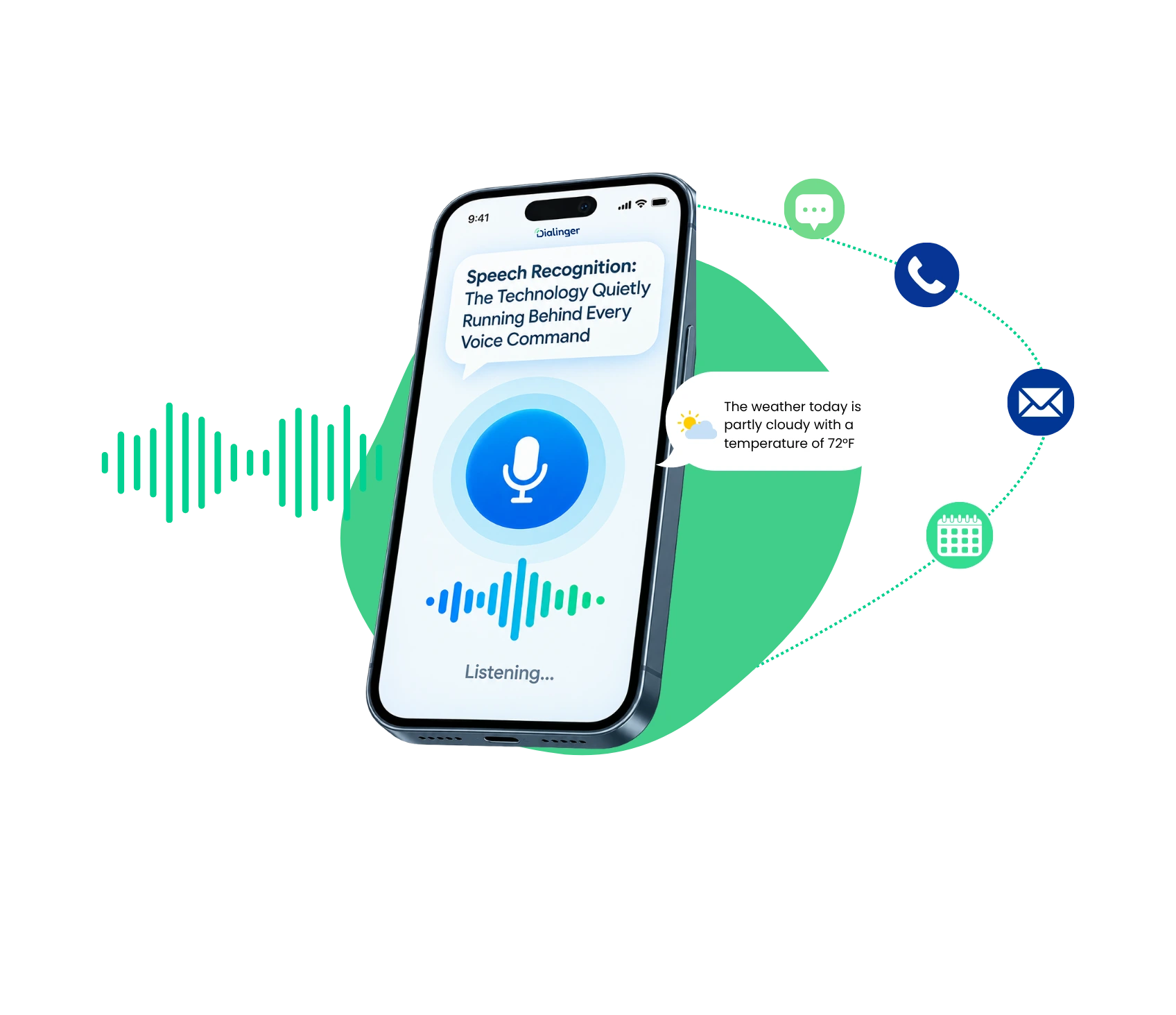
It is the technology that turns spoken language into text or commands a computer can act on. You say something out loud, a microphone picks up the sound, and software behind the scenes figures out what words you actually said.
It’s not just about putting words on a screen, though. It also drives voice commands, letting you control a device, search for something, or fire off an action just by talking. It could be a help line that automatically transcribes the call, or a smart assistant answering the question on the caller’s mind, but it is still the same fundamental process: converting sound to something meaningful and organized.
How Does It Actually Work?
It feels instant when you’re using it, but there’s actually a chain of steps happening behind the scenes every single time you talk to a device:
1→
Your voice gets captured
Sound waves get picked up by a microphone and turned into a digital audio signal.
2→
That signal is segmented
It’s divided into very small chunks, as short as milliseconds, so that the system can concentrate on exactly what you said.
3→
Fragments are matched against phonemes
The software compares the sound bits to patterns it has been trained with enormous amounts of training data, and matches them up with phonemes, essentially the basic building blocks of speech.
4→
Phonemes turn into words
Those building blocks get strung together, arranged based on what sentence structure actually makes sense.
5→
Context fills in the blanks
A system that’s been trained well doesn’t just hear isolated sounds, it understands enough about how language works to make a smart guess when audio’s unclear or someone’s accent throws a curveball.
Honestly, this whole process has gotten dramatically better over the last decade. Older tools needed you to talk slowly and carefully, and background noise or casual speech patterns would trip them up constantly. Today’s systems handle normal talking speed, all sorts of accents, and noisy rooms way better than anything that existed even five years back.
About Speech Recognition AI that Powers Automation
We'd Love to Hear From You
Ready to expand your business globally?
Fill out the form below, and our team will help you choose the perfect number.
What Role Does AI Speech Recognition Play?
This is honestly where everything shifted. AI speech recognition relies on machine learning models trained on massive piles of real human speech, instead of some rigid rulebook about how words are supposed to sound. Rather than a system that only recognizes the exact phrases someone programmed in, AI speech recognition actually learns patterns and can figure out speech it’s literally never heard before.
That matters a lot once you’re using this in the real world. AI speech recognition can adjust to different accents, speaking habits, even background noise, simply because it learned from such a wide range of speech samples during training. Basically, the system keeps getting sharper the more real conversations it processes.
For a business, this is what makes something like automatic call transcription or voice-driven customer support actually workable at scale, instead of needing someone to manually configure every possible way a person might phrase something. A support line handling calls across ten different regional accents used to be a genuine headache to build. These days, it’s mostly a solved problem, thanks to models trained on exactly that kind of variety.
What Is Cloud Speech Recognition?
Cloud speech recognition just means the heavy lifting happens on remote servers instead of directly on your phone or laptop. Your device sends the audio out, powerful cloud infrastructure processes it, and the results come back almost instantly.
There’s a real upside here. Cloud speech recognition can tap into way more processing power than any single device could manage alone, which means better accuracy and support for more languages than your phone’s chip could realistically pull off by itself. It also means the models behind it keep getting updated and improved constantly, without you needing to download some new app version every time something gets better.
The catch is that cloud speech recognition usually needs an internet connection to actually work, since none of that processing is happening locally. For most everyday situations, that trade-off is worth it, given how much more capable cloud-based systems tend to be compared to fully offline ones, which often lag noticeably in both accuracy and language coverage.
What Speech Recognition Features Should You Look For?
Not every tool out there is built the same way, and a handful of features tend to separate the genuinely useful ones from the ones that’ll frustrate you constantly:
- Accuracy across different accents and speech patterns: So it’s not just great for one narrow group of speakers while stumbling on everyone else.
- Real-time processing: It’s because any noticeable lag between talking and seeing results makes the whole interaction feel clunky.
- Solid noise handling: So background sound doesn’t wreck accuracy in busy spots like call centers or open-plan offices.
- Language support: Particularly in the event you’ve a business that operates in various locations and has various client groups.
- Integration options: The tech can actually get plugged into, say, a CRM or a communication platform, rather than being a standalone application.
Tools that skip these basics tend to create way more frustration than value, no matter how impressive the underlying tech sounds in a sales pitch.
What Are the Benefits of Speech Recognition Technology?
The real, practical upside of speech recognition technology shows up in a handful of pretty obvious ways:
Faster documentation
Dictating notes or transcribing calls takes a fraction of the time typing everything out by hand would.
Better accessibility
People dealing with mobility issues or disabilities that make typing hard finally get an input method that genuinely works.
Sharper customer service insight
Automatically transcribed calls mean you can review conversations, spot patterns, and coach a team without sitting through every single recording start to finish.
Hands-free convenience
Driving, cooking, multitasking, whatever, voice input means you don't have to stop and type something out.
Businesses using speech recognition technology consistently report saving real time on tasks that used to eat up hours in manual transcription or note-taking, freeing people up for work that actually matters more than typing up call summaries all afternoon.
How Does Speech Recognition Compare to Voice Recognition?
People mix these two up constantly, but they’re honestly solving different problems. This technology is about understanding what was said, turning spoken words into text or commands no matter who’s talking. Voice recognition, on the next side, is about figuring out who’s talking, verifying identity based on the unique way someone’s voice sounds, their tone, their cadence.
A banking app using voice recognition to confirm it’s really you before letting you into your account is solving an authentication problem. A tool converting your spoken words into written text is solving a completely different problem, understanding the content, not confirming who you are.
Some systems do both. A smart assistant might use voice recognition to make sure it’s actually you talking, then switch over to the other technology to figure out what you’re actually asking for. Knowing that difference matters a lot when you’re trying to figure out which one actually fits what you need, since vendors sometimes blur the line between the two in their marketing.
What Are the Use Cases of Speech Recognition?
This stuff shows up in a pretty wide range of industries and everyday situations:
Customer Support
Automatically transcribing calls for quality checks, training, and compliance, without someone typing along in real time.
Healthcare
Letting doctors dictate patient notes hands-free during or right after an appointment, instead of typing it all up later from memory.
Legal
Transcribing depositions, hearings, and client meetings without needing a dedicated stenographer sitting in every session.
Accessibility Tools
Giving people with disabilities a real, reliable way to interact with tech through voice alone.
Voice Assistants
Powering everyday stuff with smart speakers, phones, and connected devices around the house or office.
Business communication
Capturing and searching call content automatically, instead of manual note-taking eating up someone’s whole afternoon.
Each of these leans on the same underlying tech, just tuned to fit the accuracy, speed, and integration needs of whatever industry it’s serving. What works fine for a casual voice assistant answering simple questions often needs to be dialed in way differently for something like legal transcription, where one misheard word could genuinely change what a sentence means
What Algorithms Power Speech Recognition?
Typically, modern systems rely on a combination of following strategies:
- Hidden Markov Models: The traditional solution is to model the statistics of the probability that a given sound will follow a different sound, based on patterns observed in speech.
- Neural Networks: Most of the work is done by neural networks, particularly by recurrent neural networks, which have been trained on massive amounts of audio transcribed speech.
- Transformer-based models: These models are capable of learning the direct correspondence between sounds and texts, with much less hand-cranking than the previous statistical models.
- Deep learning in general: This is really the reason behind the significant increase in accuracy over the past few years, as it’s able to pick up on much more of the nuances of natural pauses, filler words and conversational speed or pause.
Hidden Markov Models still show up in some setups, but they’ve mostly been pushed aside by deep learning approaches, which hold up a lot better than the older, stiffer statistical models that basically fell apart the second someone talked a little too casually. It’s really this shift in the algorithms underneath that’s made modern speech recognition technology feel trustworthy, instead of something you have to carefully enunciate at.
Why Choose Dialinger for Speech Recognition?
If you’re comparing providers, Dialinger’s AI-powered speech tools are built to power automation right inside your business communication, handling call transcription, voice commands, and smarter call handling, no separate standalone tool bolted awkwardly onto your existing phone system.
This matters especially if you want this kind of technology working alongside your actual calling setup instead of sitting off somewhere as a disconnected extra step. Instead of exporting recordings to some separate transcription service and waiting around for results, everything just happens right inside the same platform already handling your calls. Want to see how it actually fits your setup? You can book a demo and walk through it directly with the team.
At the end of the day, this technology isn’t just some neat party trick anymore, it’s quietly turned into real infrastructure. The businesses and tools getting the most out of it are the ones that stopped treating it like a novelty a while ago and started treating it like a genuine efficiency layer sitting underneath how people actually talk to each other every single day.
Frequently Asked Questions (FAQs)
What is speech recognition?
It’s the tech that lets a computer understand what you’re saying out loud. You talk, a microphone picks up the sound, and the software figures out the words and turns them into text or an action.
What's the difference between speech recognition and voice recognition?
People confuse these all the time. Speech recognition cares about what you said. Voice recognition cares about who’s talking. So a banking app using voice recognition is checking it’s really you, while a dictation app using speech recognition is just trying to write down your words correctly.
What should I look for in a good speech recognition tool?
A few things matter most: how well it understands different accents, how fast it responds, how well it handles background noise, whether it supports the languages you need, and whether it can connect with tools you already use, like a CRM.
Where is speech recognition used the most?
You’ll see it in customer service calls, doctors dictating notes, lawyers recording depositions, accessibility tools for people with disabilities, smart speakers, and everyday business communication.



