What Is IP PBX? Learn Its Types, Features, Benefits and How it works
If you’ve been in the market for a new business phone system lately, the term IP PBX is probably one that you’ve heard more than once. It sounds technical but it’s easy to understand when you break it down. This guide covers what it is, how it works, the different types you’ll come across, and whether it’s the right move for your business.
This is just a smarter, more flexible way to take business calls, one that doesn’t chain you to a wall socket or a phone company’s copper lines. And as more teams work remotely, are split across offices, or simply want to save cash on outdated hardware, it’s become less of a “nice to have” and more of a default for lots of growing businesses.
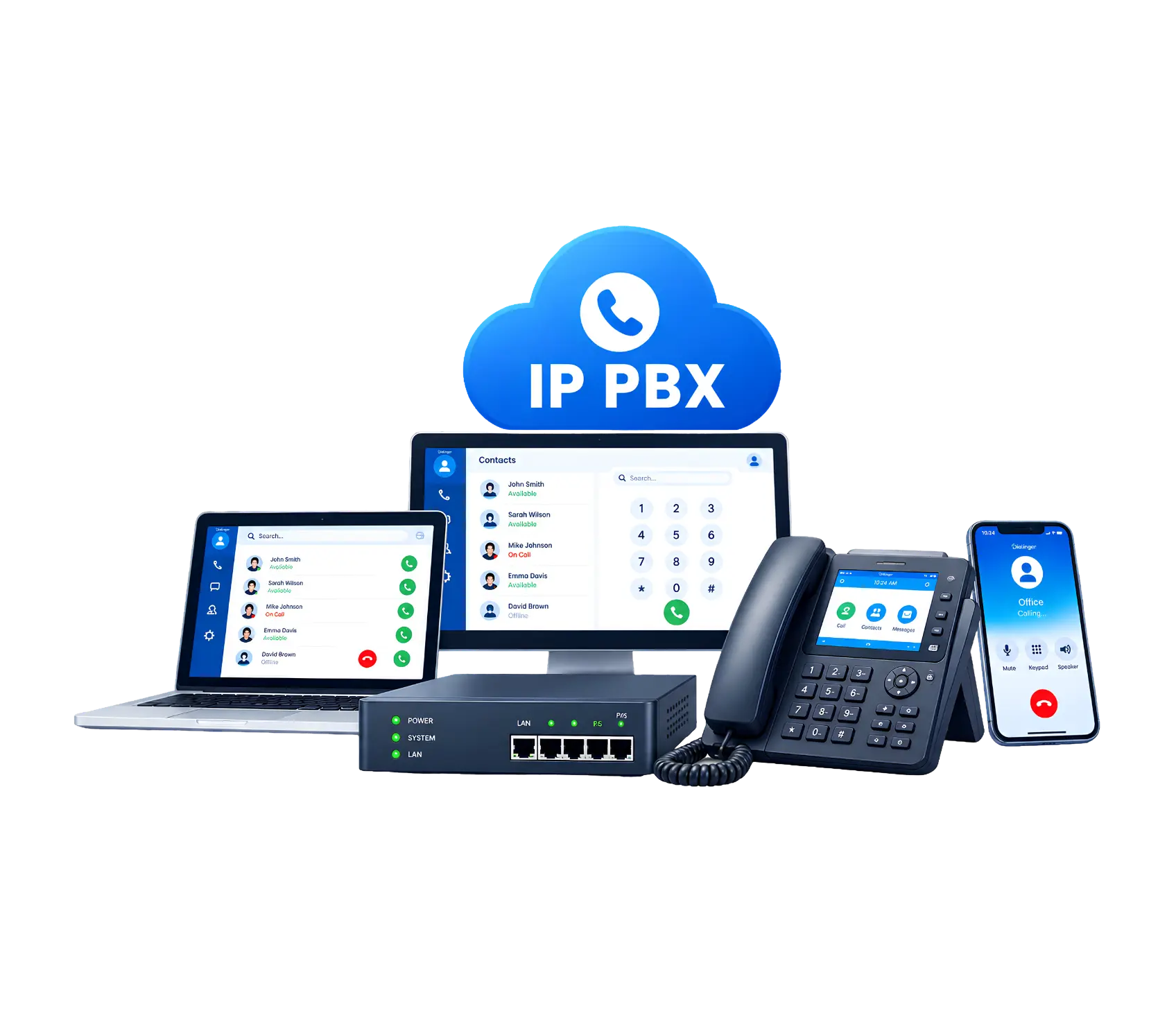
What Is IP PBX?
It stands for Internet Protocol Private Branch Exchange. In plain terms, it’s a VoIP phone system that sends calls over the internet instead of relying on old copper telephone lines. A traditional office setup needed physical wiring running through the building. This one uses your existing network connection to handle calls, transfer them between teams, and keep everyone connected no matter where they’re sitting.
Think of it as the modern replacement for that heavy phone cabinet tucked away in the server room. Software does most of the work now instead of bulky hardware, and a receptionist can transfer a call to someone working from home just as easily as to the desk next door.
Components of an IP PBX Setup
A working setup usually comes down to four main pieces.
The IP PBX server
The brain of the operation. It handles call routing, extensions, voicemail and other features, either as a piece of hardware sitting in your office or as hosted software running in the cloud.
IP Endpoints
The actual devices that people use frequently inorder to talk on. This could be a desk IP phone, a softphone on a laptop, or a mobile app.
VoIP Providers
The company supplying the trunks that connect your calls to the outside world, including regular mobiles and landlines.
Local Data Network
Your office’s internet and network setup, since every call travels through it. A shaky network means shaky call quality.
Different Types of IP PBX Systems
Not every business needs the same setup. Broadly speaking, these fall into a few categories.
- On-premise: The hardware is physically located in your office and your IT team manages the hardware as they are given full responsibility not ot just responsibility but full control.
- Hosted or cloud PBX: The provider will host or run a server on their side and you just pay for endpoints and internet connection. Less initial investment and less maintenance cost for you
- Hybrid: A combination of cloud and on-premise solutions, mostly used by enterprises that are slowly starting to phase out their legacy system.
- Virtual: You don’t have to buy any dedicated hardware, you can run everything in software all the time, usually on virtual machines.
There are pros and cons to each option regarding cost/control/ability to scale with your business so make sure to consider your team size, budget and IT support.
We'd Love to Hear From You
Ready to expand your business globally?
Fill out the form below, and our team will help you choose the perfect number.
IP PBX vs Traditional PBX
This comparison comes up a lot, so here’s the short version.
A Traditional business phone system uses hardwired lines and equipment located in your premise. Adding a new line usually means calling a technician out. Calls are tied to your office location, and long-distance charges can pile up fast.
The internet-based version runs on your existing connection instead. Adding extensions is often just a few clicks in a dashboard. Your team can take calls from anywhere with a stable connection, whether that’s a home office or a different country entirely. Costs also tend to be lower since you’re not paying for legacy phone line infrastructure.
Main disadvantage is that it depends highly on quality of the internet. If your connection drops or slows down, call quality suffers along with it. A traditional setup doesn’t have that dependency, but it comes with a much bigger price tag and far less flexibility.
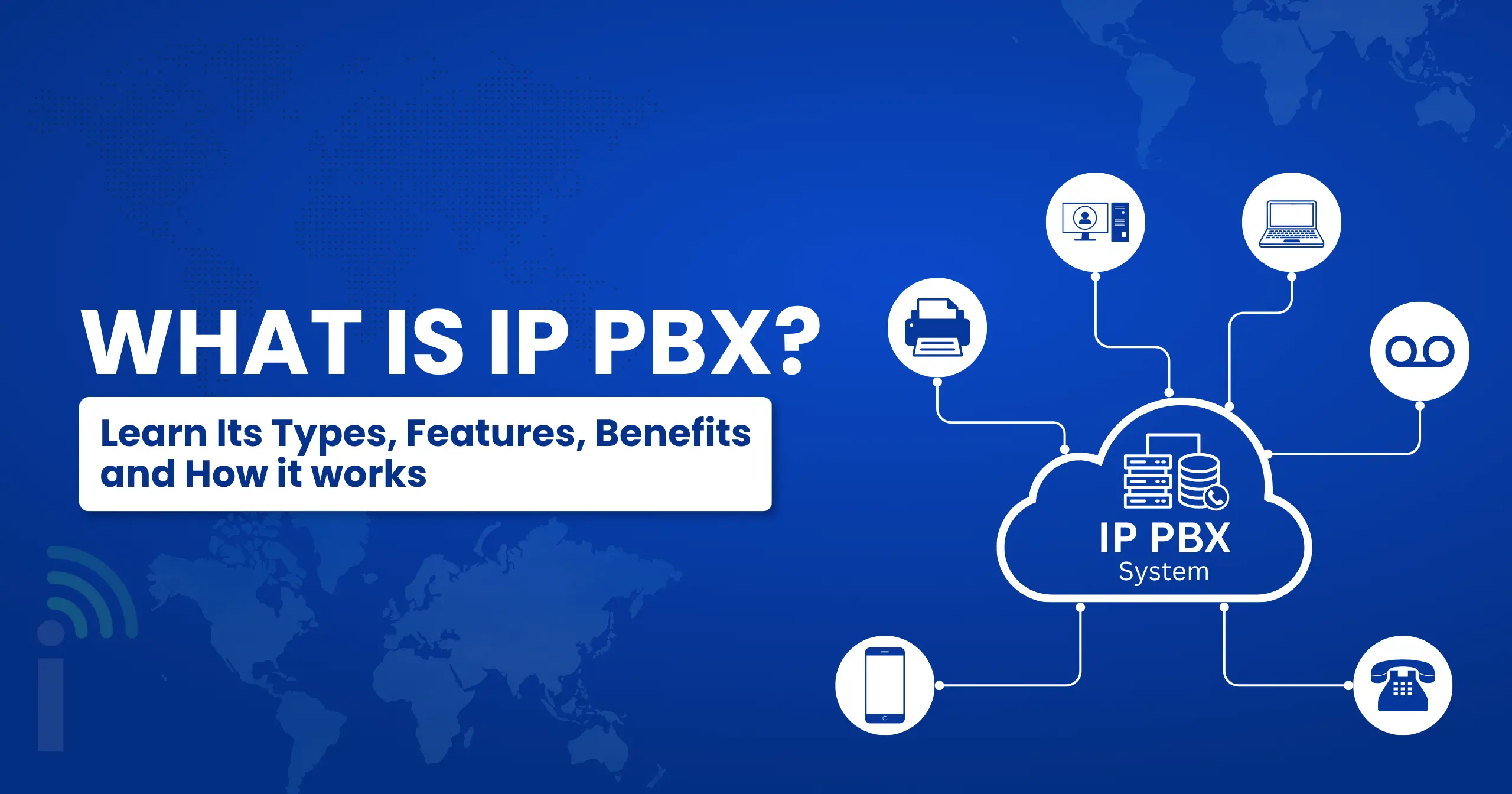
How Does It Work?
Here’s a look at how it works, step-by-step, from the time someone dials a number to the time they connect.
1→
Call initiation
Someone picks up an IP phone, softphone or app on a laptop or mobile device and dials a number.
2→
Signal conversion
The voice is converted into data packets using VoIP protocols like SIP, which is the language different systems use to establish, manage and terminate a call.
3→
Routing through the server
The server checks the destination and determines how to route the call, whether that is internal or outside the network entirely.
4→
Connection via trunk
In outbound calls, the data is sent via the trunk of a VoIP provider to the common telephone network or to another VoIP system on the other side.
5→
Call delivery
The receiving end takes the data packets and converts them back to audio and the call is connected.
Why This Matters for Modern Businesses
Remote work isn’t going anywhere, and teams are more spread out than they used to be. A cloud-based business phone system keeps your company reachable no matter where employees are working from, whether that’s three people in an office and seven scattered across different cities, or a fully remote team spanning multiple time zones. It also cuts down on the cost of maintaining physical phone hardware, which matters a lot for growing companies watching their budget closely.
There’s also the scaling factor. Adding ten new hires used to mean ordering more hardware, waiting around for installation, and hoping nothing went wrong on setup day. Now you can usually add extensions the same day, sometimes in minutes. For businesses with multiple locations, it also means everyone lands on one unified system instead of juggling separate, disconnected setups that don’t talk to each other.
There’s a customer-facing side to this too. Features like call queues, auto-attendants, and detailed analytics help businesses handle more calls without hiring more staff, and they make a small team sound a lot more polished to the people calling in. First impressions matter, and a professional phone experience is a cheap way to make a good one.
Key Features to Look For
Most VoIP phone systems have a common set of features you should be aware of before you commit:
- Auto attendants and call routing that route callers without a human picking up first so no one sits on hold wondering if anyone is there.
- Voicemail-to-email so messages go straight to your inbox, not getting missed on a desk phone no one checks.
- Call recording for training and quality checks, which is beneficial to learn how your team handles difficult calls.
- Video conferencing integrated into the same platform in many cases, so you don’t have to pay for another tool just for meetings.
- Mobile apps so your desk extension goes with you on your phone, great when you’re out of the office but still need to take calls.
- Detailed call analytics and reporting enable you to see call volume, wait times and missed calls at a glance.
- Integrates easily with CRMs and helpdesk tools so call activity appears right next to customer records.
Common Challenges Businesses Face With CDR Management
There are pros and cons to a cloud PBX setup, as there are with anything. It’s worth weighing them before you commit.
Benefits
- Lower ongoing costs than running traditional phone lines
- Easier to scale up or down if your team changes without waiting on hardware
- Works from anywhere with a good internet connection
- Often included as standard Packed with features that used to cost extra with legacy hardware
Limitations
- The call quality is very much dependent on your internet connection so each call will show weak connection
- For smaller teams without dedicated IT support, initial setup can be confusing for those without some technical know-how.
- If you don’t plan for backup power or internet outages, they can take your PBX system down with them.
- security needs to be looked at more because calls go over the internet so the configuration is more important than it was with old school lines.
How to Set Up an IP PBX System
Setting one up isn’t as intimidating as it sounds once you break it into steps.
1→
Describe your needs
Figure out how many users you have, which features matter most, and your budget before looking at options. It’s easy to get distracted by flashy features you’ll never actually use.
2→
Choose your deployment method
Consider on-premise, hosted, or hybrid depending on your IT resources and the control level you want over hardware and software.
3→
Select compatible applications and hardware
Choose IP phones, softphones and integrations that are compatible with your selected platform, rather than assuming they will all work together.
4→
Prepare your network
Test your bandwidth, set Quality of Service to prioritize voice traffic, and ensure your network can handle the additional load without hiccups.
5→
Set up the software
Configure and optimize the core system, whether self-hosted or using a provider dashboard.
6→
Set up call flows and features
Configure auto-attendants, voicemail and call routing rules based on your team structure, department by department if needed.
7→
Trunks and Extensions
Connect the trunks from your VoIP provider and assign an extension to each user or department so everyone has a line.
8→
Connect softphones and IP phones to each other
Make sure all devices are registered and tested so the call actually goes through properly, on both desk phones and mobile apps.
9→
Test thoroughly and train your team
Run test calls, test call quality from a few different locations, and walk your team through the new setup before going live. This is where most rollouts fail to do this step.
IP PBX vs VoIP
People often use these terms interchangeably, but they’re not quite the same thing. VoIP is the broader technology that lets voice travel over the internet as data. This kind of setup is one specific application built using VoIP technology to manage a business’s calls, extensions, and routing all in one place.
Put simply, VoIP is the method, and this is one particular way of applying that method, built specifically for running a business phone system at scale. Consider VoIP as the road and this as a particular kind of vehicle designed to be used for traveling along that road. It offers features such as call routing, extensions, multi user capabilities which the regular VoIP app won’t include.
When a Basic VoIP Phone System Is Enough
If you’re a small team, or a one-man show who just needs a reliable way to make and receive calls without complicated routing requirements, then a simple VoIP phone system might be all you need. For very small setups where nobody is transferring calls between departments or handling a queue of incoming customers, it’s easier to setup and generally less expensive.
Once you start needing multiple departments, custom call routing rules, extensions for dozens of employees, or detailed analytics, that’s usually the point where a full-featured PBX system makes more sense than a basic phone line. There’s no rush to upgrade before you actually need the extra features, since paying for capability you’re not using doesn’t help anyone.
Why Dialinger Fits Into This
Dialinger builds cloud PBX solutions designed for businesses that want enterprise-style features without the hassle of managing hardware. You get local and international numbers, call routing, IVR menus, call recording, and analytics, all without long-term contracts tying you down.
It’s built with startups, freelancers, and small businesses in mind, so you’re not paying for complexity you’ll never use. Setup is meant to be quick enough that you’re not waiting weeks to get your team on the phones, and the pricing is straightforward enough that you know what you’re paying for upfront. If you’re comparing cloud PBX options, it’s worth a look for how quickly you can get set up and start taking calls professionally.
Frequently Asked Questions (FAQs)
What is IP PBX?
IP PBX is just a phone system that runs calls over the internet instead of old telephone lines. It lets your team make and receive calls, transfer them, and manage voicemail, all through your regular internet connection instead of physical wiring.
Is IP PBX the same as a regular VoIP phone system?
Not exactly. A VoIP phone system is the basic technology that lets voice travel over the internet. IP PBX takes that technology and builds a full business phone system around it, with extensions, call routing, and multiple users, not just a single line making calls.
What happens if my internet goes down?
Since IP PBX and any VoIP phone system depend on your internet connection, an outage will affect your calls. Most providers offer backup options like call forwarding to a mobile number, so it's worth checking that your provider has some kind of failover in place.
Can a small business use IP PBX, or is it only for big companies?
Small businesses use it all the time, actually. A cloud-based business phone system makes it easy for even a two or three person team to sound professional, with features like call routing and voicemail-to-email, without spending money on expensive hardware.



