VoIP Latency: How Much Delay Is Too Much?
Ever been on a call where you and the other person keep talking over each other, not because anyone’s rude, but because there’s this weird half-second gap before your words actually reach them? That’s VoIP latency doing its thing, quietly making an otherwise normal conversation feel awkward and disjointed.
Most people notice the symptom, choppy audio, that annoying overlap, without ever knowing what’s actually causing it. Understanding what causes it, how much is actually a problem, and how to catch it before customers start complaining makes a real difference for any business running calls over the internet.
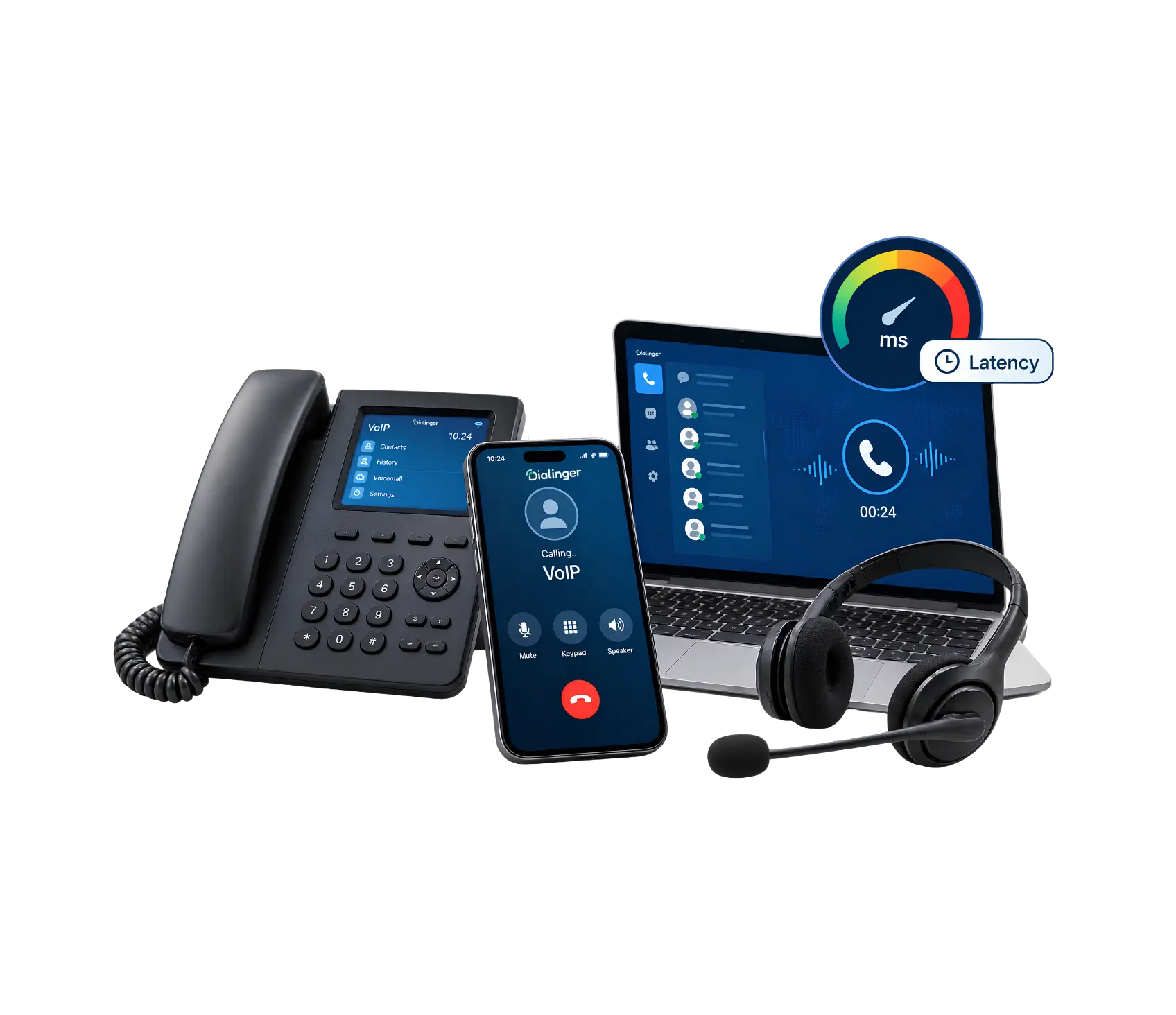
What Is VoIP Latency?
VoIP latency is the delay between when someone speaks and when the other person actually hears it. Since VoIP calls send your voice as data packets over the internet instead of through a dedicated phone line, that data has to travel, get processed, and be reassembled into sound on the other end. All of that takes time, and that time is latency.
A small amount of delay is completely normal and usually goes unnoticed. Problems start once that delay grows large enough that people start talking over each other, or the conversation just feels slightly “off,” like a video call where the audio and video don’t quite line up. Once it crosses a certain point, it stops being a minor technical detail and starts actively hurting how a business sounds to its customers.
How Secure Remote Access Actually Works?
A huge chunk of modern device access happens remotely now, not from someone sitting physically next to the equipment. Secure remote access is what makes that possible without leaving a device wide open to anyone who happens to find it online. The mechanics usually involve a few layers working together:
Less than 150ms
This is the acceptable latency for VoIP, and it’s not something that most people will notice. Calls sound natural.
150ms to 300ms
Delays are now noticeable by most people, particularly if the conversation is fast-paced.
300ms to 400ms
Clearly unnatural because interruptions and overlapping speech occur frequently.
Above 400ms
It’s really frustrating. People tend to give up and hang up on conversations and do them again later.
Staying within the acceptable latency for VoIP isn’t just a nice-to-have, it’s really the baseline for a call center, sales team, or support line to actually function without frustrating everyone on the line.
Why Does Low Latency Matter?
Low latency isn’t just a technical nicety; it directly shapes how a conversation actually feels. When delay stays low, people can interrupt naturally, react in real time, and have a conversation that flows the way an in-person chat would. The moment that quick response time disappears, all of that natural rhythm falls apart.
Not only are businesses irritated, but there is a real cost:
- Customer trust takes a hit. A choppy, delayed call makes a business sound unprofessional, even if the actual product or service is solid.
- Sales conversations suffer. Talking over a prospect repeatedly because of delay makes closing a deal noticeably harder.
- Support calls take longer. Delay leads to misunderstandings, which leads to more back and forth to make sure that everyone understands each other.
- Team collaboration slows down. Internal calls with lag waste time and create the kind of subtle friction that adds up over a busy week.
Low latency essentially removes friction from communication entirely, letting people focus on what’s actually being said instead of fighting the technology just to have a normal conversation.
We'd Love to Hear From You
Ready to expand your business globally?
Fill out the form below, and our team will help you choose the perfect number.
VoIP Latency Requirements for Different Use Cases
Not every use case needs the exact same standard. VoIP latency requirements shift depending on what the calls are actually being used for.
A simple customer support line has fairly loose requirements, as brief pauses are typically acceptable in a customer support setting, where people are likely to be expecting a degree of interchange. However, a live sales call has a far tighter VoIP latency requirement, as a few seconds of lag time can make an impression that a sales representative is either unsure or unprepared at a key moment in the pitch.
Call centers running high call volume have particularly demanding needs too, since even a small average delay multiplied across hundreds of daily calls adds up to a genuinely poor customer experience at scale. Understanding these different VoIP latency requirements helps a business prioritize where to actually invest in better infrastructure, rather than treating every call type as equally sensitive to delay.
How Does VoIP Latency Testing Work?
Figuring out whether a system actually has a latency problem, rather than just assuming based on a bad call here or there, requires some form of VoIP latency testing. This isn’t complicated, but it does require checking the right things in the right way.
Basic Ping Testing
The simplest starting point is a basic ping test, sending a small packet of data to a server and measuring how long the round trip takes. That is not a direct measurement of voice quality, but it provides a quick baseline reading that will show how long that network is taking, and that is affecting everything running over that network, including voice calls.
Dedicated VoIP Quality Tools
More accurate VoIP latency testing usually involves tools built specifically for measuring call quality, not just general network ping. These tools simulate an actual call and measure one-way delay, jitter, and packet loss together, since all three of these factors combine to determine how a call actually sounds to the people on it.
Real Call Monitoring
The most reliable form of testing happens on real calls as they occur, rather than isolated test scenarios. Ongoing monitoring catches issues that only show up during actual usage, peak call volume hours, specific times of day when network congestion spikes, or particular routes to certain regions that consistently perform worse than others.
What to Do With Test Results
Once VoIP latency testing turns up a problem, the next step is figuring out where the delay is actually coming from, the internet connection itself, the router configuration, the distance to the server handling the call, or congestion somewhere along the route. Testing without acting on the results doesn't actually fix anything, it just confirms there's a problem worth solving.
What Actually Causes VoIP Latency in the First Place?
A few common culprits show up again and again when something’s causing noticeable delay on calls:
- Distance to the server: The physical distance data has to travel plays a real role, calls routed through servers on the other side of the world naturally take longer than ones routed locally.
- Network congestion: A busy internet connection, especially one shared with other bandwidth-heavy activity, slows everything down, calls included.
- Poor router configuration: Routers not properly prioritizing voice traffic can introduce unnecessary delay even on a decent connection.
- Weak WiFi signal: A shaky wireless connection adds processing delay compared to a stable wired connection.
- Overloaded servers on the provider’s end: Sometimes the delay isn’t even on the customer’s side at all, it’s the provider’s infrastructure struggling to keep up with demand.
Most VoIP latency problems trace back to one or a combination of these factors, which is exactly why testing matters so much before assuming the cause without actually checking.
What Latency Problems Actually Look Like on a Call
It helps to know the actual warning signs rather than just a number on a chart. A few things tend to show up consistently once delay gets bad enough to matter:
- Constant interruptions: Both people start talking at once because neither heard the other start.
- Awkward pauses: Conversations develop unnatural gaps where nobody’s quite sure whose turn it is to speak.
- Echo on the line: Delay can sometimes cause a person’s own voice to echo back to them slightly.
- Robotic-sounding speech: Severe delay combined with jitter can make voices sound choppy or artificially processed.
If any of these show up regularly, it’s usually not a one-off fluke, it’s worth actually testing the connection rather than assuming the next call will just be fine.
Simple Ways to Reduce Delay
A few practical steps tend to make the biggest difference for most businesses dealing with call quality issues:
- Use a wired connection instead of WiFi wherever possible, since it removes a common source of unpredictable delay.
- Prioritize voice traffic on the network through proper router or firewall settings, so calls don’t compete with other data for bandwidth.
- Choose a provider with servers geographically closer to where most calls actually happen.
- Regularly run quality tests rather than waiting for complaints to reveal a problem that’s already been affecting customers for weeks.
Why Dialinger Fits Into This
If call quality is a genuine concern, Dialingerlow latency voice routes are built specifically to keep VoIP latency as low as possible, routing calls through optimized paths rather than leaving quality up to chance. This matters especially for businesses running calls across different regions, where distance alone can otherwise become a real source of delay.
Paired with global connectivity built around reliable infrastructure, Dialinger aims to keep calls sounding natural regardless of where they’re actually being placed from.At the end of the day, VoIP latency is one of those things nobody thinks about until it’s ruining conversations. Getting it right isn’t about chasing some perfect number, it’s about making sure calls feel natural enough that the technology disappears entirely, and people can just focus on the conversation itself.
Frequently Asked Questions (FAQs)
What is VoIP latency?
It’s the delay between when someone speaks and when the other person actually hears it, since your voice has to travel as data over the internet instead of a dedicated line.
How much VoIP latency is actually acceptable?
Under 150 milliseconds is the sweet spot most people won’t even notice. Once it creeps past 300ms, calls start feeling genuinely awkward.
Does every type of call need the same VoIP latency requirements?
No, a support line can tolerate more delay than a live sales call, where even small hesitations can make a rep seem unprepared.
What usually causes VoIP latency in the first place?
Distance to the server, network congestion, weak WiFi, and poor router settings are the most common culprits.



