VoIP Troubleshooting: 5 Common Mistakes to Avoid
VoIP Troubleshooting is an organized approach to identify exactly what went wrong in a business call so that a similar scenario does not reoccur in the future. One dropped call, one broken sentence, or one lost connection and business VoIP systems can turn from being very useful to virtually worthless.
VoIP calls are sent as data packets over the Internet and therefore have many more factors that affect the quality of a call than would a copper wire. Call success or failure can depend on router configuration, bandwidth, firewall rules, device software/firmware, and even the number of people streaming video on the same network. This is where treating all of those dropped calls in the same manner is no long-term solution. A step-by-step approach will save time, protect customer relationships and help keep internal employees productive.
What is VoIP Troubleshooting, and why is it important?
It is a process of determining the cause of a problem in an attempt to isolate the problem before trying to correct it. Does the problem lie with the device, the local network, the Internet, or the provider’s infrastructure? If you jump straight to a fix instead of asking this question, then you will probably waste your time, and the issue will come back days later.
Companies that implement this process as a regular procedure, instead of an emergency job, have much fewer repeat issues. This involves documentation of problem occurrence, the device affected, and steps taken to resolve the problem. This forms a pattern, which can help with the next issue.
Identifying Patterns in Common VoIP Problems
Identifying the problem is the first step of the troubleshooting process, but it is just as important to tell the difference between a true common VoIP problem and a one-time issue. It’s not the same call that fails once a storm as a call that fails each and every afternoon at the same time. Business systems develop most of the common VoIP problem patterns in a few recognizable forms:
- Failed connections that disconnect after just a few minutes of a call.
- Audio that has short pauses or interruptions in the middle of a sentence.
- One-way audio is audio that is only heard by one person, but not the other.
- A device that is connected but does not ring.
- Calls that are connected but drop out randomly.
If a common VoIP problem is encountered every week on the same device and at the same location, it’s likely not an issue with the entire phone system, but rather with that particular device and its local network. Understanding this difference before you start to troubleshoot will save a lot of time, as you will know where to look first. If you see the same behavior on all devices at the same time, then it’s likely that the problem is further upstream, possibly with the network or the service provider.
Investigating VoIP Connection Issues Caused by the Network
A stable data stream is essential for consistent calls, so whatever instability occurs is likely to manifest as a VoIP connection issue during the actual call.
Here are a few steps that can help determine if the network is really responsible:
- Make sure that no other device on the same network is using up a lot of bandwidth during the call, for example, if someone is streaming video or downloading lots of files.
- Position yourself closer to the router or use a wired Ethernet connection, if possible, as Wi-Fi connections can be more susceptible to interference.
- Test the same call again on a totally different network (e.g., mobile hotspot) to determine whether the issue is device or network-related.
If the VoIP connection issue resolves completely on another network, then this is a good sign that the network is the problem and not the calling app or the device.
Router and Firewall Settings That Cause Connections to Fail
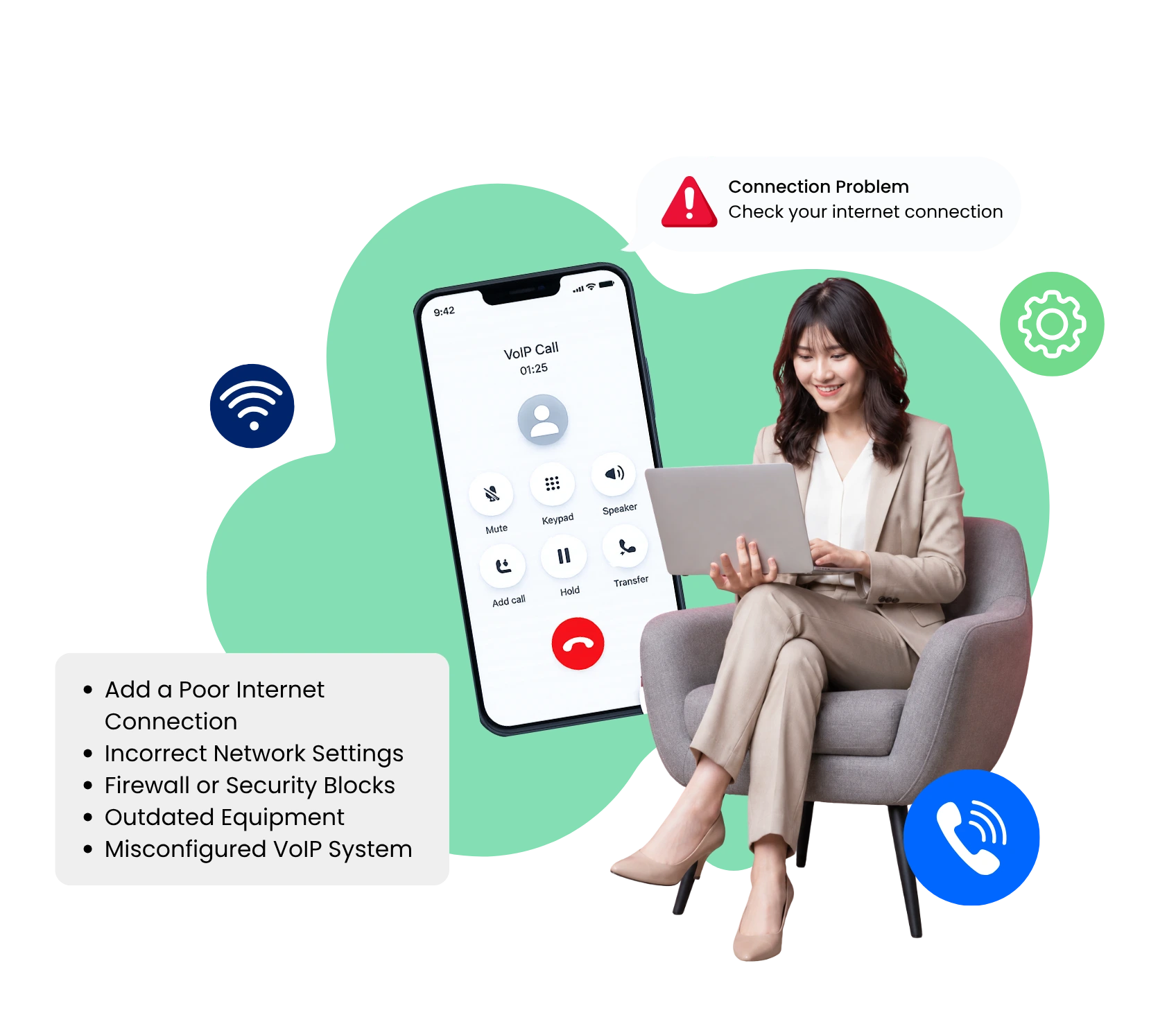
Many problems with VoIP connections have nothing to do with Internet speeds, but rather with the configuration of the routers and firewall. Fine for browsing and emailing, settings that can be fine for browsing and emailing can interfere with voice traffic in real time, without requiring any user action.
- When configuring the router, prioritize VoIP call traffic with Quality of Service (QoS) settings.
- Check firewall and VPN settings to ensure that they do not block or limit VoIP traffic ports.
- The VoIP calling application needs to be updated to the latest version, as it may not be compatible with new network security policies in earlier versions.
These changes are often invisible; people on the call are not aware that anything has been changed, and they just see that the calls no longer drop.
Identifying VoIP Call Quality Issues
Not all problems are ‘dropped calls’. A VoIP call quality issue is caused by different factors than a call that drops out completely. It can be very easy for a call to be technically on the line while not sounding so great that it reflects poorly on the professional image a business is trying to project.
If the VoIP call quality issue appears on all devices and not just one, then it’s fair to say that the problem is related to the network or the provider’s infrastructure, and not one device. This is confirmed by a few checks:
- Try the call with an Ethernet line to eliminate wireless interference.
- Do not immediately jump to conclusions about a major and deep-rooted problem; reset the router and calling device first.
- Check if the calling app has the appropriate microphone and audio rights.
- Verify if quality issues correlate with increased call volume and determine if it is a bandwidth issue or a hardware problem.
This is because a problem with the quality of the call during busy hours may need a completely different solution to one that may occur at any time of the day.
5 Common Mistakes to Avoid During VoIP Troubleshooting
But sometimes, troubleshooting can go awry, even if the intentions are good. There are some common mistakes which turn a simple solution into a perpetual problem.
- When it’s always the internet connection:
While it may be a slow or unstable connection, many call issues stem from router settings, outdated firmware, or the calling application. Excluding the network is not the complete investigation. - Before pattern searching, restart all things:
Restarting a router will clear away any evidence that would help you identify a recurring issue and will also reset the router to its default settings. Indicate the time and location of the problem before resetting. - Failure to observe firewall and QoS settings:
Many businesses look at bandwidth and ignore the fact that a misconfigured firewall or lack of QoS priority can degrade every call, even on a fast line with plenty of bandwidth. - Assuming that a problem in one device is a network problem:
Taking any problem to IT or the provider is a waste of time and delays the actual resolution of the problem when the issue is actually limited to one laptop or headset. - Not documenting the issue once solved:
After fixing a call problem, it’s easy to forget about it and get on with life. If there is no record of the problem and resolution, then the next time a similar problem occurs, the same troubleshooting needs to be repeated.
By preventing the following five habits, you can save a great deal of time with repeat troubleshooting, as the majority of repeat issues stem from one of these habits.
When Should You Call VoIP Support?
Sometimes, a reboot of the router or a setting change isn’t enough. When all else fails, it’s often best to reach out to the VoIP support team, particularly if you’re dealing with a problem that impacts multiple users instead of a single individual.
If you wait too long to contact them, the problem is likely to only repeat in the interim and cost more time in total. The general guideline: If the same problem occurs twice in a short time or when more than one person is affected, it’s time to escalate and not continue to troubleshoot in isolation.
What is Quality VoIP Support?
Quality support needs to be able to rapidly identify if a problem is in the network, in the device, or in the provider’s infrastructure. It’s what allows a party to actually solve the issue, and if this is incorrect, the ticket goes back and forth without actually resolving the issue.
When the problem is something that is essential for the company’s workflow, knowing the actual problem makes it much easier to solve than just sending a generic answer that covers every kind of problem. The most effective support teams pose specific diagnostic questions that reduce the time that it takes to report a problem until it is corrected.
How to Avoid Recurring Support Issues
- Update the application and device on a regular basis.
- Conduct regular quality audits on calls, even if there doesn’t appear to be a problem, in order to identify minor problems early.
- Keep a basic record of previous problems and their solutions.
- If something occurs again, seek assistance in a timely fashion, rather than letting it pass.
Here's What You Can Expect from Dialinger for VoIP Solutions
Dialinger infrastructure was designed to deliver consistent, business-class call quality right from the start, and to minimize the need for VoIP troubleshooting calls during any given business day. No matter how much that doesn’t help, Dialinger support team will work directly with the clients to locate the actual cause of a call interruption problem, not the one that fits everyone.
This way, the client knows if it’s a Dialinger problem or a problem within their own network, eliminating the guessing game that slows down troubleshooting time. Together with the habits and checks listed above, working with a provider such as Dialinger means fewer disruptions, quicker resolution if something does go wrong, and a definitive understanding of where a problem originated.



