VoIP vs. PBX: What's the Difference Between PBX and VoIP
Here’s a question that trips up almost every business owner at some point: do you go internet-based, or stick with the old-school hardware setup sitting in a closet somewhere? That’s basically the whole VoIP vs. PBX debate in one sentence, and this VoIP vs. PBX confusion trips up more people than it probably should. Not because the concepts are hard, but because vendors love throwing around jargon that makes a fairly simple decision sound way more technical than it needs to be.
So let’s cut through that. This guide covers what each system actually is, where they differ, the real pros and cons of both, where a hosted setup fits in, and how to actually decide which one makes sense for your team, based on things like budget, how your people work, and how fast you’re growing.
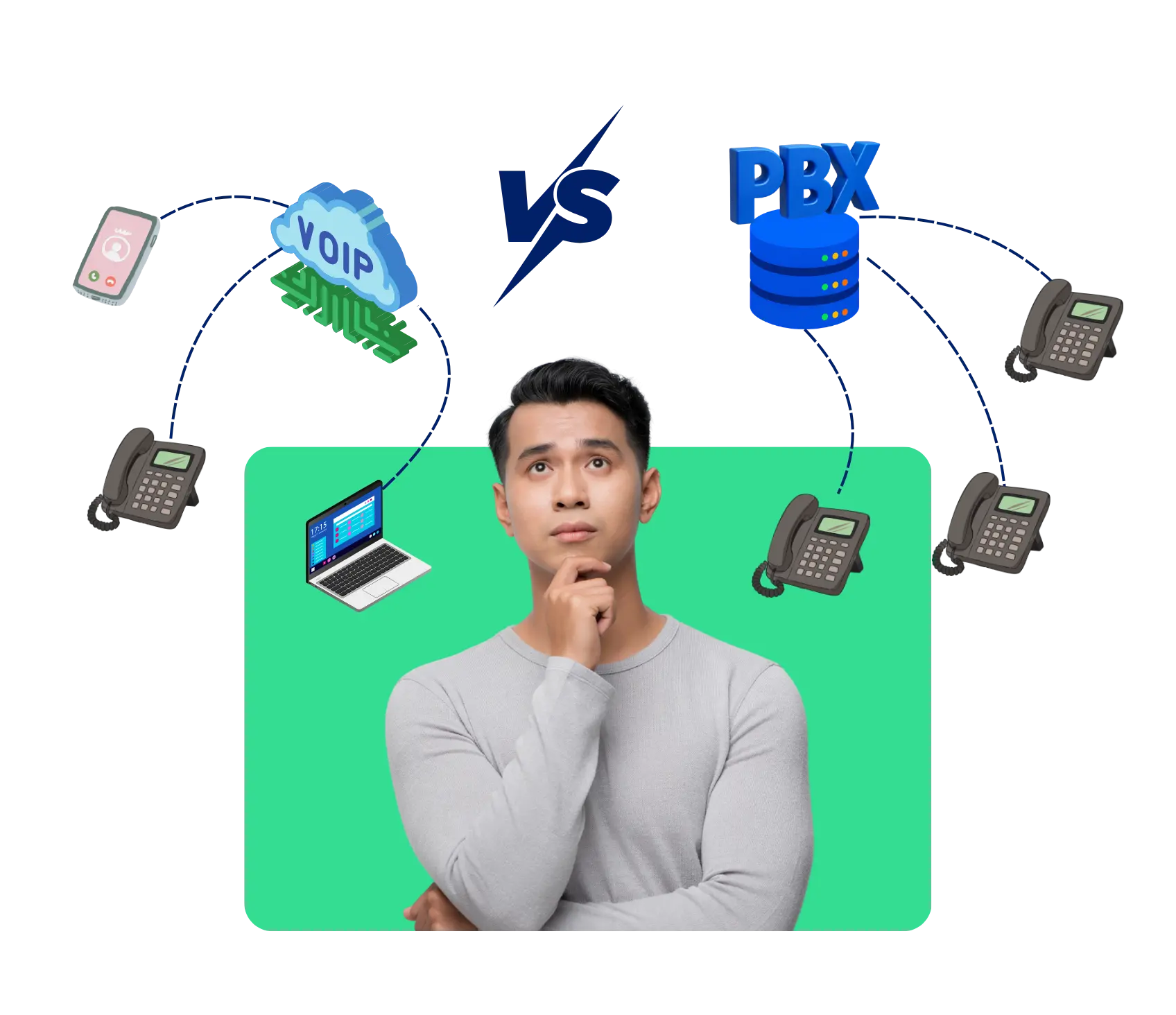
What Is a VoIP System?
VoIP is short for Voice over Internet Protocol, which is just a fancy way of saying your phone calls travel over the internet instead of a traditional phone line. Your voice gets turned into data, sent over your internet connection, and turned back into sound on the other end. That’s really all there is to it.
What this actually means for a business is that your entire phone setup can run on software, apps, and simple IP desk phones, no wiring running through the walls required. Want to add a new employee? That’s usually a couple of clicks in a dashboard, not a call to a technician. And since it just needs an internet connection, people can make calls from home, a coffee shop, wherever.
What Is a PBX System?
PBX stands for Private Branch Exchange, and this is the setup that’s been running offices for decades before VoIP came along. Picture an actual box sitting somewhere in the building, wired into real phone lines, handling calls between extensions and routing everything coming in and out.
Because it’s all physical hardware, you generally need someone technical involved anytime something changes, whether that’s setting it up in the first place or fixing something down the line. It doesn’t care about your internet connection, which is a genuine plus, but you pay for that reliability with a bigger upfront bill and a system that’s slow to adapt when your needs shift. A lot of businesses installed one years back and just kept renewing the maintenance contract because ripping it out felt like more hassle than it was worth, even as the costs quietly piled up.
What is the Difference Between PBX and VoIP?
Sometimes you just need to see things side by side instead of reading paragraph after paragraph trying to explain the same thing.
| Area | VoIP | PBX |
|---|---|---|
| How calls travel | Over the internet | Over physical phone lines |
| Hardware needed | Minimal, mostly software based | Dedicated on-site equipment |
| Setup time | Fast, often same day | Slower, needs technician installation |
| Cost | Lower upfront and ongoing | Higher upfront and maintenance costs |
| Flexibility | Easy to add or remove users | Changes require a service call |
| Remote work support | Works from anywhere with internet | Tied to the physical office location |
| Scalability | Scales quickly as the team grows | Scaling means buying more hardware |
| Maintenance | Handled mostly by the provider | Requires in-house or contracted IT support |
Once you see VoIP vs. PBX laid out like this, the decision usually stops feeling so overwhelming.
We'd Love to Hear From You
Ready to expand your business globally?
Fill out the form below, and our team will help you choose the perfect number.
Pros and Cons of VoIP
Nothing’s perfect, so here’s the honest breakdown of what you’re actually getting into with VoIP.
Pros
- Lower costs: No physical lines to run or maintain, so both your upfront and monthly bills drop noticeably.
- Works from anywhere: Thanks to a decent internet connection, you can take calls pretty much anywhere.
- Easy to set up:Adding a new user usually takes minutes of work, not days of waiting.
- Feature rich: Call recording, routing and analytics are normally standard, no additional hardware needed.
- Easy expansion: No equipment orders or install scheduling required when you grow your team.
Cons
- Depends on internet quality: If your connection’s shaky, your calls will be too.
- Power dependency: Lose power or internet, and the whole system goes down with it.
- Security considerations: Calls traveling over the internet need to be secured properly, it’s not automatic.
- Learning curve: Teams coming from a traditional setup might need a bit of time to adjust.
- Provider reliability matters: Your call quality is really only as good as whoever’s running the service behind the scenes.
Pros and Cons of PBX
Now flip it around, here’s what you’re actually signing up for with a traditional PBX system.
Pros
- Reliable without internet: Your calls still work even if internet service goes down, because it’s running on its own dedicated lines.
- Consistent call quality:Don’t let bandwidth or connection speed mess with your calls.
- Total on-premise control:You or whomever you have hired, directly manages everything.
- Long-term stability: Once installed and working, it will usually just keep on running for years without much fuss.
- Familiar for some IT teams: If your team’s already dealt with PBX systems before, there’s less of a learning curve on their end.
Cons
- Higher costs: Installation and the ongoing maintenance bills both add up faster than people expect.
- Slower changes: Need a new extension? That usually means waiting on a technician.
- Location dependent: Everything’s tied to your physical office, which doesn’t work great if your team’s spread out.
- Harder to scale: Growing means buying and installing more actual equipment.
- Aging technology: A lot of the newer features just aren’t available unless you’re willing to pay for an upgrade.
Hosted PBX: The Middle Ground Worth Knowing About
There’s actually a third option a lot of people don’t hear about right away. Hosted PBX takes that same traditional PBX idea and moves all the hardware off-site, so a provider runs the server and you just need internet and some endpoints to connect. Basically, it’s PBX functionality without the actual box sitting in your office.
What you get is a mix, lower upfront costs, easier scaling, remote access, the stuff people like about VoIP, but you keep that familiar extension-based structure a traditional PBX system is known for. Honestly, it’s a solid middle path if you’re stuck going back and forth on VoIP vs. PBX and don’t feel ready to fully commit either way.
For businesses that like the whole PBX concept but don’t want the headache of managing physical hardware, Hosted PBX tends to be the practical answer. Updates and maintenance are taken care of by the provider, so you don’t have to maintain an in-house team simply to babysit the phone system. That said, it’s not automatically the right call for everyone, some businesses genuinely want total control over their own servers and would rather deal with the extra responsibility of a fully on-premise setup instead.
Which One Is Suitable for You: VoIP vs. PBX?
Do you need full on-premise control over your system?
- Data sensitivity: If you are handling very sensitive calls, you may care more about keeping everything in-house rather than on outside servers.
- Existing IT infrastructure:Do you have an IT team in place? You may already have the capability to do on-premise control with just a little extra effort.
- Compliance requirements: Some industries have rules that require systems to remain entirely within their own infrastructure, no exceptions.
- Example: A law firm handling confidential client calls might lean toward a traditional PBX system specifically for that kind of internal control.
Are you running a remote or hybrid team?
- Location flexibility: With VoIP, people can take calls from home, a co-working space, or wherever they happen to be working that day.
- Consistent extensions everywhere: A remote employee gets the exact same setup and features as someone sitting in the main office.
- No need for physical desk phones: Softphones and apps cover most of what a hybrid team actually needs day to day.
- Example: A marketing agency with people spread across three different cities would really struggle trying to make a traditional PBX system work for them.
How much does scalability actually matter to your business?
- Adding new hires quickly: VoIP setups usually let you spin up a new extension instantly, no hardware required.
- Seasonal flexibility: If your staffing goes up and down throughout the year, scaling down is just as easy as scaling up.
- Multiple office locations: A cloud based system brings everyone together under one setup, no matter where each office is.
- Example: A customer support team hiring ten new agents in one month would benefit hugely from how quickly VoIP scales.
What’s your tolerance for cost and maintenance responsibilities?
- Upfront budget: VoIP is typically a lot cheaper to get started with than installing actual PBX hardware.
- Ongoing maintenance: Hosted options push most of that maintenance burden onto the provider instead of your team.
- Predictable monthly costs: A subscription is a lot easier to budget around than surprise repair bills showing up out of nowhere.
- Example: A small business without a dedicated IT person is probably going to find VoIP’s lighter maintenance load a lot easier to live with long term.
Weighing these four things honestly is really what settles the VoIP vs. PBX question for most businesses. There’s rarely a universally correct answer here, it usually just comes down to what your business actually prioritizes.
Which One Is Best for a Business Phone System?
A handful of features tend to make the biggest practical difference on actual calls, day in and day out.
Startups and small teams
A VoIP-powered, lean business phone system is usually a good choice here because of the lower upfront cost and speed of setup.
Remote or hybrid companies
VoIP wins almost all the time, because PBX just isn’t built for distributed teams.
Larger enterprises with existing infrastructure
If there is a lot of money invested in a traditional PBX system, a traditional PBX system might still make sense.
Businesses handling extremely sensitive calls
For these, the extra cost and hassle of on-premise control through a traditional PBX system might be justified.
Companies planning to grow quickly
A flexible business phone system built around VoIP scales in a way physical hardware simply can't match.
Budget conscious businesses
VoIP tends to win on both upfront and long-term cost for most standard phone system needs.
Why Dialinger Is Worth Considering
Dialinger is basically built for exactly this kind of decision, giving businesses a modern, cloud based business phone system without any of the hassle that comes with managing physical PBX hardware. You get local and international numbers, call routing, recording, and setup that doesn’t take weeks, covering what most businesses actually need without piling on complexity nobody asked for.
Whether you’re just starting to weigh VoIP vs. PBX or you’re leaning toward something like Hosted PBX, Dialinger gives you the flexibility people love about VoIP along with the kind of reliability a business actually needs from its phone system. You can book a demo and see how it fits before deciding on anything.
Frequently Asked Questions (FAQs)
What's the actual difference between VoIP and PBX?
Basically, VoIP sends your calls over the internet, so there’s hardly any hardware to deal with. PBX is the old-school setup, actual phone lines, an actual box somewhere in your office. One’s software, the other’s a physical machine. That’s really the whole difference in a nutshell.
Can I keep my current phone numbers if I switch to VoIP?
Yeah, most of the time. It’s called number porting, and pretty much every VoIP provider offers it as part of getting you set up. Depending on your current carrier, it might take a few days or stretch out to a couple of weeks, but you’re not going to lose the number your customers already have saved.
How does cloud PBX differ from on-premise control PBX?
Cloud PBX lives on a provider's servers, so all you really need is internet and a few endpoints, no physical box taking up space in your office. On-premise control PBX means the hardware's sitting right there in your building and your own team's handling everything, which gives you more say over how it's run, but also means you're the one dealing with it when something breaks.
Which one should I actually go with for my business?
Honestly, it comes down to what matters most to you. If you require tight control of everything, have compliance rules to follow or you’re already invested in PBX infrastructure, it may make sense to stick with it. For most growing businesses, however, particularly those with remote or hybrid teams, VoIP tends to be the easier and more flexible option.



