Custom Caller ID That Helps Your Growing Business
When an unknown number lights up your phone, what do you usually do? Most of us glance at it, hesitate for a second, and let it go to voicemail. Your customers are no different. They see a random or unfamiliar number and decide in a split second whether it’s worth answering. That’s why the number you show on outbound calls matters more than many businesses realize.
Custom caller ID gives you control over what appears on the other person’s screen. Instead of a string of digits that looks like spam, you can display a local number, a branded name, or a number your customers already recognize and trust. It’s a small setting in the bigger picture of your phone system, but it can be the difference between a call that gets answered and one that gets ignored and between a lead that turns into a real conversation and one that disappears forever.
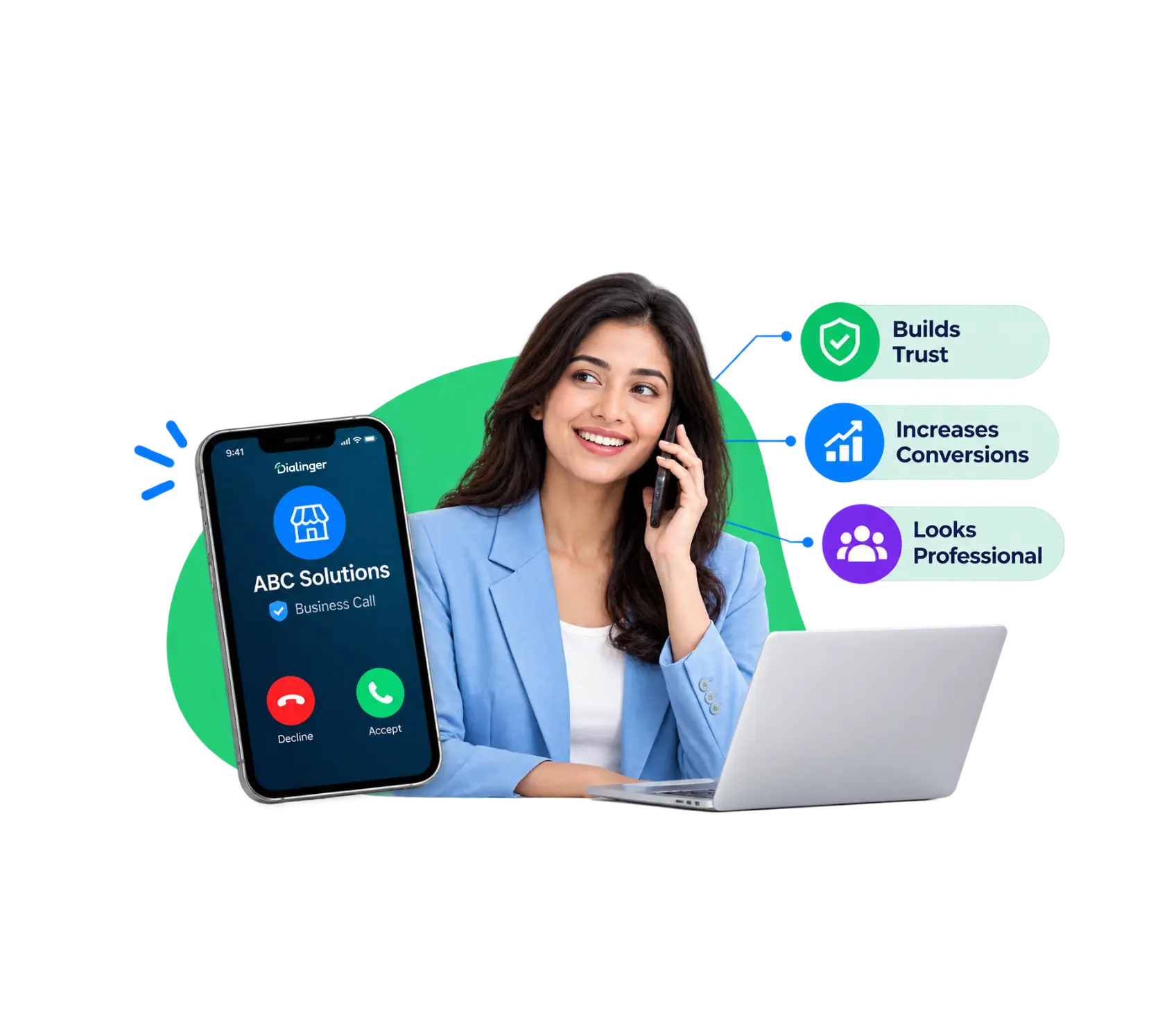
What Is a Custom Caller ID?
Custom caller ID lets you choose which phone number appears on the screen of the person you’re calling. Instead of a random number or your personal mobile, you can show your main business line, a local number, or a toll-free number people already recognize. Some setups even display your business name next to it. The idea is simple: look familiar, and people are far more likely to answer. It’s less about tricks and more about being recognizable the moment the phone rings.
The idea is simple: look familiar, and people are far more likely to answer. It’s less about tricks and more about being recognizable the moment the phone rings so the call feels expected rather than unexpected.
How Does Caller ID Work in Dialinger?
On a dialling platform, such as Dialinger, this is the general process:
1→
Each call has a number
When you go out to the platform, it will give you a number that you can use in each call. This is the number that the other person will see.
2→
A default is set
Calls will be sent from the number that is associated with your account or user profile unless you change it.
3→
You can select another number
In your settings, you select another number to be displayed instead of the default value.
4→
Ownership is verified
You will often be asked how many you own, and a code from call or text is sent to confirm, and no one else can claim numbers that they don’t own.
5→
The carrier delivers it
Your platform hands the call to a carrier, which passes the number along to the recipient’s phone.
6→
A name can be attached
In some regions a business name shows up with the number, though that depends on the receiving carrier.
7→
Settings can vary by team
Sales might show a local number while support shows a toll-free line, so each group looks right for its purpose.
8→
Everything gets logged
Each call records which number was used, so you can see which numbers actually get answered.
Learn The Differences: Custom Caller ID vs. Number Masking
Feature | Custom Caller ID | Number Masking |
What it does | Changes the number (and sometimes the name) shown on the recipient’s screen | Hides a real number behind a temporary or proxy number |
Main purpose | Branding, trust, and higher answer rates | Privacy and protecting personal details |
Who it protects | Helps the business look professional and recognizable | Protects both parties from sharing real numbers |
Is the caller identifiable? | Yes, the number shown is one you own and have chosen | No, the real number stays hidden from the other side |
Number used | Your verified business line, local, or toll-free number | A temporary or proxy number, often tied to one job |
How long it lasts | Stays in place until you change it | Often expires once the conversation or task is over |
Setup | Verify ownership of the number in your calling platform | Assigned automatically by the app or system connecting both sides |
Typical users | Sales teams, support desks, clinics, recruiters | Ride-hailing, delivery apps, marketplaces, rental platforms |
Best for | Making outbound calls feel familiar and trustworthy | Keeping personal numbers private between strangers |
How Does Custom Caller ID Work?
Behind every call sits a tiny piece of data that quietly says, “this call is from this number.” When you turn on custom caller ID, you’re simply telling your calling platform which number to put in that field. Once the number is verified and approved, the platform attaches it to every outbound call. Carriers then pass it along, and it lights up on the other person’s screen, exactly the way you chose it to look.
Modern phone networks take it a step further. Authentication standards like STIR/SHAKEN check that the number is being used legitimately, which helps keep your calls from getting slammed with spam labels. In short, you pick the number or name you want people to see, the system confirms it’s real, and the network does the rest.
It’s one of those rare features that feels almost invisible once it’s working, but the difference shows up every time someone actually answers the phone.
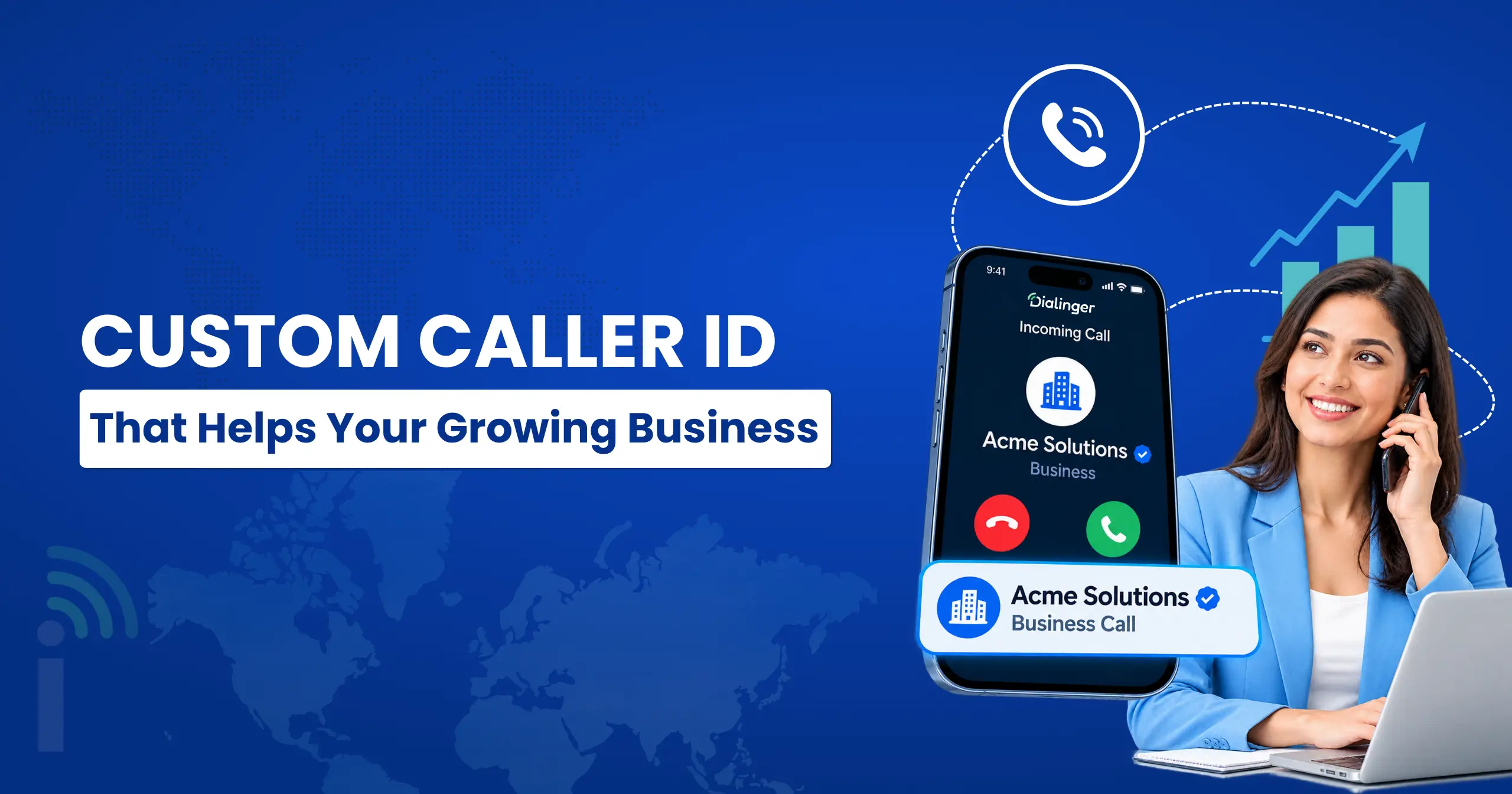
Use Cases of Custom Caller ID
This feature shows up in more places than you’d expect.
- Customer Support: This will provide a uniform customer support experience. When customers dial the official customer support number, they will be informed that the company will call them back. The customer can identify the company and the weird personal number is hard to miss.
- Sales Outreach: Salespeople can choose to show a local or company number during an outbound call to help the prospect recognize the company and to make the call easier for them to answer. It also makes the initial impression appear more professional and it will be easier to identify follow-up calls.
- Appointment Reminders: Clinics, salons and service providers can use their primary business number to call out reminders, eliminating the hassle and difficulty of trying to get the customer to understand the important reminder call. This can also keep communication from getting disorganized and curb appointment cancellations.
- Recruiting & Field Services: Use a professional business line to reach candidates rather than a personal line maintain a separation between work and personal lines. Likewise, delivery drivers and technicians might be able to contact customers from the company number, enabling the customer to hear the voice of the person which is calling him and informing him that they are waiting for him.
Benefits of Using Custom Caller ID for Business
Here are the benefits of doing it right:
- Improved answer rates: Callers are more likely to answer numbers they know, which means that your outreach doesn’t get lost in a stack of unanswered calls and your team has less of wasted time redialing.
- Better brand recognition: Each time you get the same number, it’s a little reminder to the customer who you are, and he begins to know it with your company.
- More trustworthy:A known business number is more trustworthy than an unknown number. They are less likely to think it’s a scam or a telemarketer.
- Local number: An area code from the customer’s neighborhood is more likely to have an impact than one from another city, and it can make them more comfortable in picking up the phone.
- Team-wide consistency: Every team member calls from pre-approved numbers so customers will never have to wonder who is calling or if it is a scam.
- Easier callbacks: When customers return your call, they reach your business line instead of someone’s private cell, so no call gets lost and no employee gets stuck as the middleman.
Take a look at more Dialinger features
Check out more features of Dialinger that offer a wide range for your businesses.
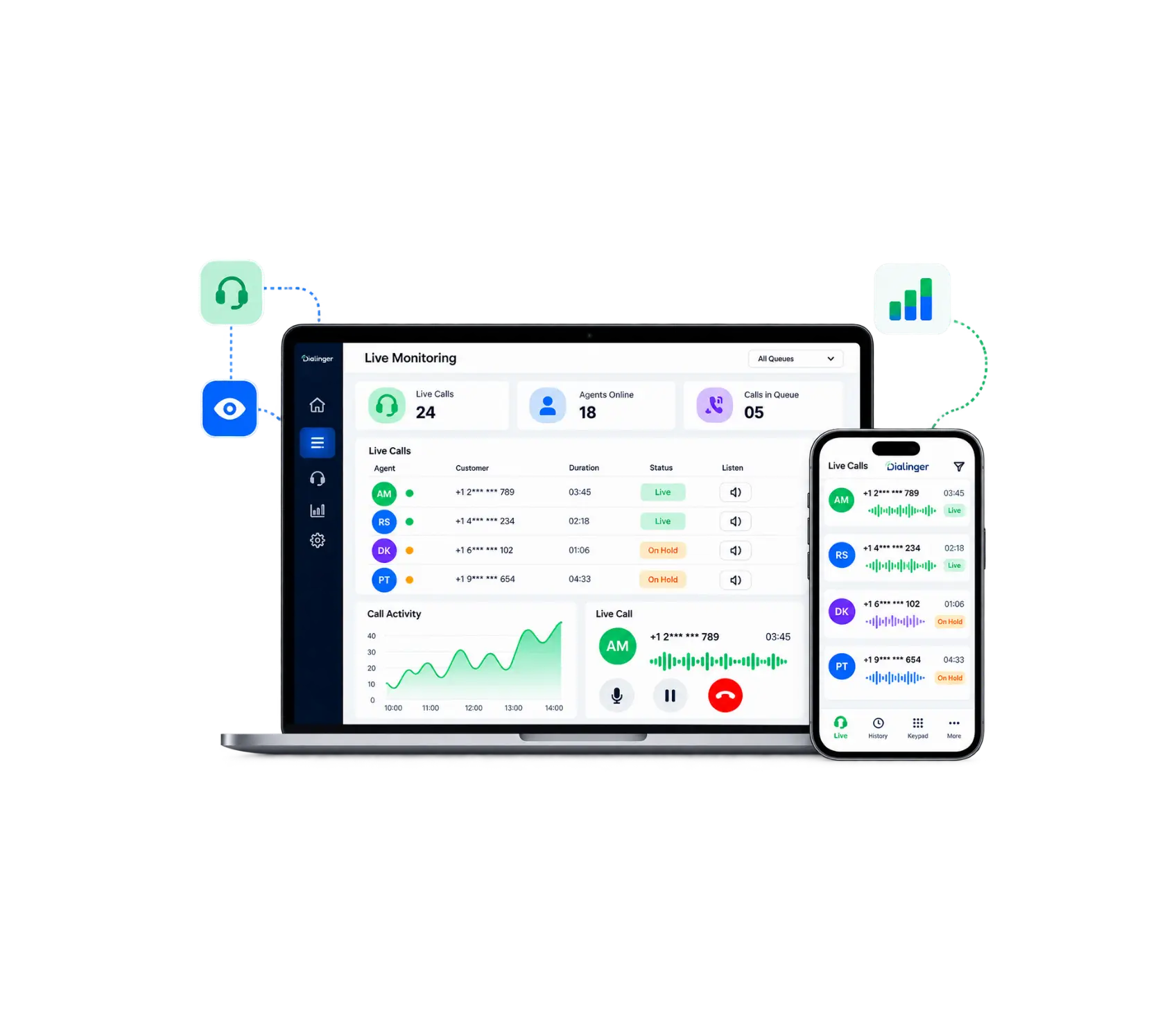
Call Monitoring
Call monitoring lets managers listen to live calls in real time, whisper guidance to agents, or step in when needed without the customer knowing.
Call History
Every call your team makes or receives is automatically logged in one place who called, when, how long it lasted, and whether it was answered or missed.
Call Transfer
Instead of putting someone on hold and hoping for the best, Call Transfer lets you hand the call to the right teammate in seconds.
Dialinger ties it all together, with numbers from 100+ countries and apps for iOS and Android, so your team can text, call and follow up without switching between tools. Start with a free trial or book a demo and discover how it fits the way your team already works.
Frequently Asked Questions (FAQs)
What is custom caller ID?
It’s a setting that lets you choose which phone number shows up on the screen of the person you’re calling. Instead of whatever number your line gives by default, you display one your customers already recognize, like your main business line or a local number. People pick up familiar numbers more often, and that’s the whole idea.
Can I use any number as my custom caller ID?
No, you must use a number that you own or control and most platforms require you to verify the number, typically by calling or texting a code. If you use a number that is not yours, it’s spoofing. In many instances it is illegal when used to mislead people and it may be blocked or flagged as spam by carriers.
What is a CNAM and how does it affect my caller ID?
CNAM stands for Caller ID Name. It’s the name of the business that follows your number such as “Bright Dental” rather than just numbers. When you have a clear name, your call will appear legitimate and more likely to be answered than spam. If you don’t have one, your call could have no name or a general name.
Why doesn't my custom name show up on every phone?
Because the name usually isn’t sent with the call. The receiving carrier looks it up in its own database, and carriers don’t all share the same data. Some don’t display names at all, and updates can take a few days to spread. A phone can also replace your name with a saved contact name or a spam-blocking app’s label. So if it shows up on some phones and not others, nothing is broken. That’s just how the system works.



