Multimedia Messaging Service for Business Texting
Plain text works fine for a quick reminder. But try explaining a damaged parcel, a new product, or a floor plan in three short lines and you’ll feel the problem straight away. That’s where a Multimedia Messaging Service comes in. It lets you send pictures, short videos, and audio along with your words, straight to someone’s phone, and they don’t need to install anything to see it.
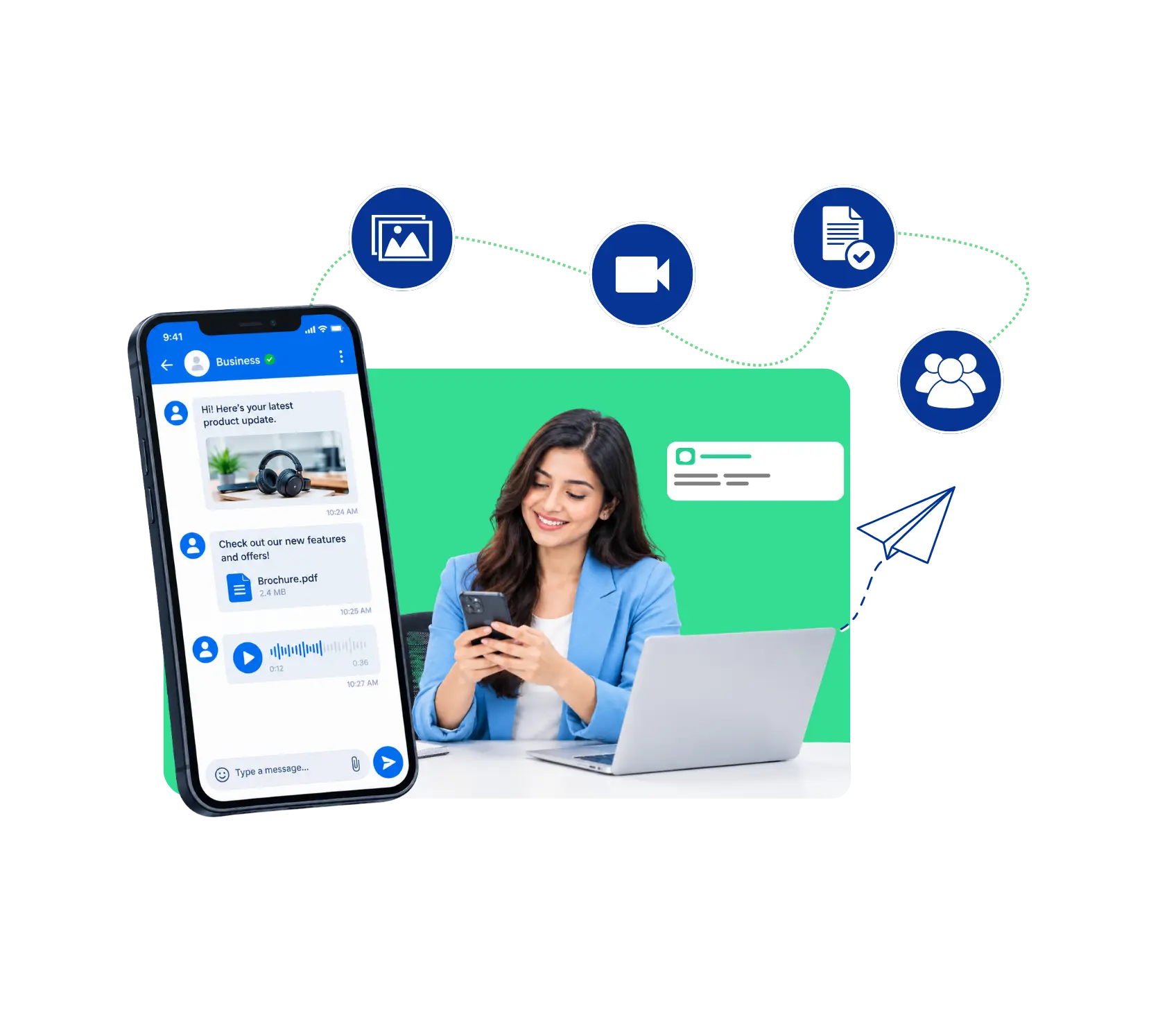
What Is Multimedia Messaging Service?
Multimedia Messaging Service, or MMS, is the kind of text message that carries more than words. Think photos, GIFs, short video clips, audio files, even a contact card. Regular SMS is limited to plain text, around 160 characters at a time. MMS drops that limit and lets a message feel a lot more like a real conversation.
Most people already use it without noticing. Every time a friend sends you a picture in a normal text thread, that’s MMS doing the work in the background. For a business, the same thing means you can show customers something instead of trying to describe it.
How to Send a Multimedia Message (MMS) on Dialinger
Using the Multimedia Messaging Service on Dialinger is easier than most people expect. Here’s the flow, whether you’re on the web dashboard or the mobile app:
- Log in or sign up: Open your Dialinger account on the web or in the app. If you’re new, there’s a free trial to get started with.
- Get a number that texts: Select a number for your enterprise. Numbers in the UK, USA and Canada can be enabled immediately. Numbers in other regions may need some additional verification before full texting is enabled.
- Open your messages: Click on the text messages section of your dashboard or app.
- Create a conversation: Create a new message or open an existing thread with a customer.
- Add Recipient: Enter a phone number or choose a contact from your saved contacts. It is an international number. Include the country code.
- Attach your media and write a short note: Add the photo, video or file, then tell them what it is and what you want them to do next. One clear line will do.
- Hit send and watch for replies: Since messaging is two-way, replies land in the same thread and your team can answer right there.
One small thing worth knowing: text features can depend on your plan and the country you’re messaging. If something doesn’t show up, the pricing page or the support team can sort it out quickly.
How Does the Multimedia Messaging Service Work?
When you attach a photo and press send, your phone or app bundles the picture and the text together and sends them through the mobile network. Plain SMS travels as tiny bursts of text, but MMS sends the media as data, so it uses a bit more bandwidth. The message first reaches a message center that stores it, checks what the receiving phone can handle, and adjusts the file if needed, for example shrinking a huge picture so it opens properly. Then the receiver’s phone gets a notice and pulls down the content, usually within seconds. On the customer’s side it just looks like a normal text with a picture inside. That’s why a Multimedia Messaging Service works on almost any smartphone without an extra app.
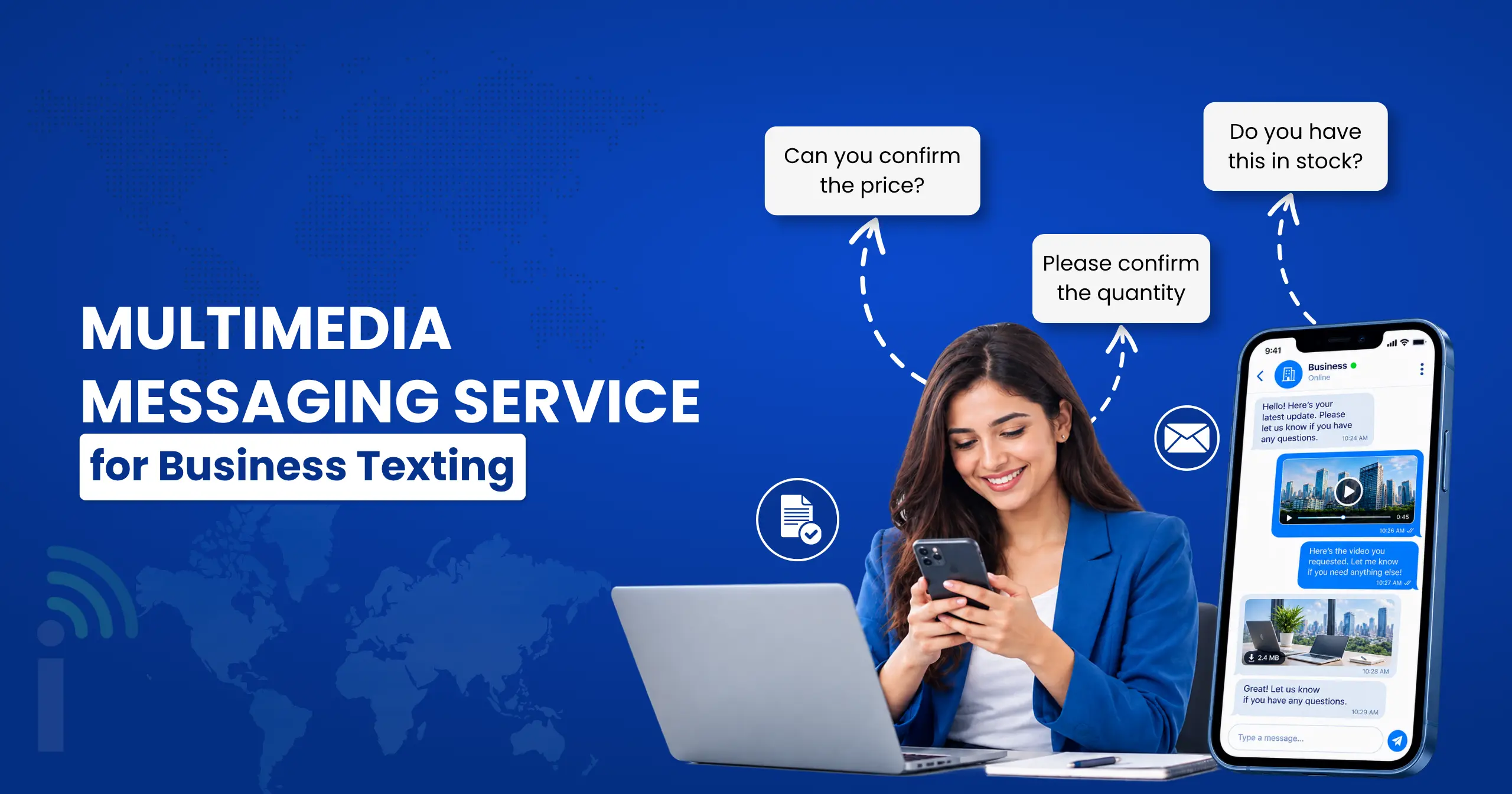
Use Cases of Multimedia Messaging for Businesses
A genuinely useful setup for this kind of routing usually includes a few core pieces working together:
Customer support
A customer sends a photo of a broken item or a screenshot of an error, and your agent replies with a marked up screenshot or a short how to video. Problems that used to need a long call get fixed in a few messages, and the customer keeps the answer in their phone for later.
Retail and ecommerce
Stores can send product photos, new arrival teasers, or a picture of the parcel that's about to arrive. A Multimedia Messaging Service turns a plain promo text into something people actually want to tap, and it helps shoppers decide without opening ten browser tabs.
Real estate and service businesses
Agents share property photos and floor plans, while plumbers, electricians, and salons send before and after pictures or a quote with a photo attached. Clients see the work clearly, which cuts down on doubts and disputes later.
Appointments and events
Clinics, schools and event teams can include a map pin, flier or preparation checklist with the reminder. Don’t share sensitive information like medical or financial information in text messaging and use a more secure method of sharing it.
These pieces don’t need to be complicated to be effective. Even a basic automatic call distributor covering these fundamentals tends to outperform manual routing by a wide margin.
Explore Features Like Multimedia Messaging Service
MMS is only one piece of a bigger messaging toolkit. If you’re building out your texting setup, these Dialinger features sit right next to it:
Two-Way SMS
Chat back and forth with customers from your dashboard or app, so replies never get lost.
Bulk SMS
Send one message to a large group of contacts at the same time which is great for special announcements or offers.
SMS Text Messages
Quick plain text updates, reminders, and confirmations that reach people instantly.
International SMS
Connect with your customers and business partners from around the world, without having to deal with multiple tools.
Dialinger ties it all together, with numbers from 100+ countries and apps for iOS and Android, so your team can text, call and follow up without switching between tools. Start with a free trial or book a demo and discover how it fits the way your team already works.
Frequently Asked Questions (FAQs)
What is a Multimedia Messaging Service?
It’s the type of text message that can carry more than words. You can send photos, GIFs, short videos, and audio along with your message. Regular SMS only handles plain text, so MMS is what you use when you want to show something instead of describing it.
What's the difference between SMS and MMS?
SMS is plain text with a short character limit. MMS lets you attach media like pictures or video clips and doesn’t cap the text as tightly. For quick reminders, SMS is fine. When a picture would explain things faster, MMS is the better pick.
Can I send MMS from my business number?
Yes, that’s the idea. You text from your Dialinger business number instead of a personal phone. UK, USA, and Canada numbers are approved instantly. Numbers in other regions may need extra verification before texting is fully switched on.
Can more than one person on my team handle the replies?
Yes. Messaging on Dialinger is two-way and lives in your dashboard and app, so your team can pick up a conversation without hunting for whoever sent the first message.



