What is an Automated Telephone System?: Its Features, Benefits & Uses
Every business owner knows the feeling: a customer calls, nobody picks up in time, and that lead just walks over to a competitor. It happens more than most teams realize, and it’s usually not because staff aren’t working hard enough. It’s because handling every single call manually just isn’t realistic anymore. That’s where an Automated Telephone System can be handy. It’s built to answer, route, and manage calls without a human having to sit by the phone all day, and for growing businesses, that kind of reliability isn’t a luxury anymore, it’s the baseline.
In this solution, we’ll walk through what this technology actually is, the features that make it worth adopting, the real benefits it brings to a business, where it’s used in the real world, and how to pick the right one for your team.
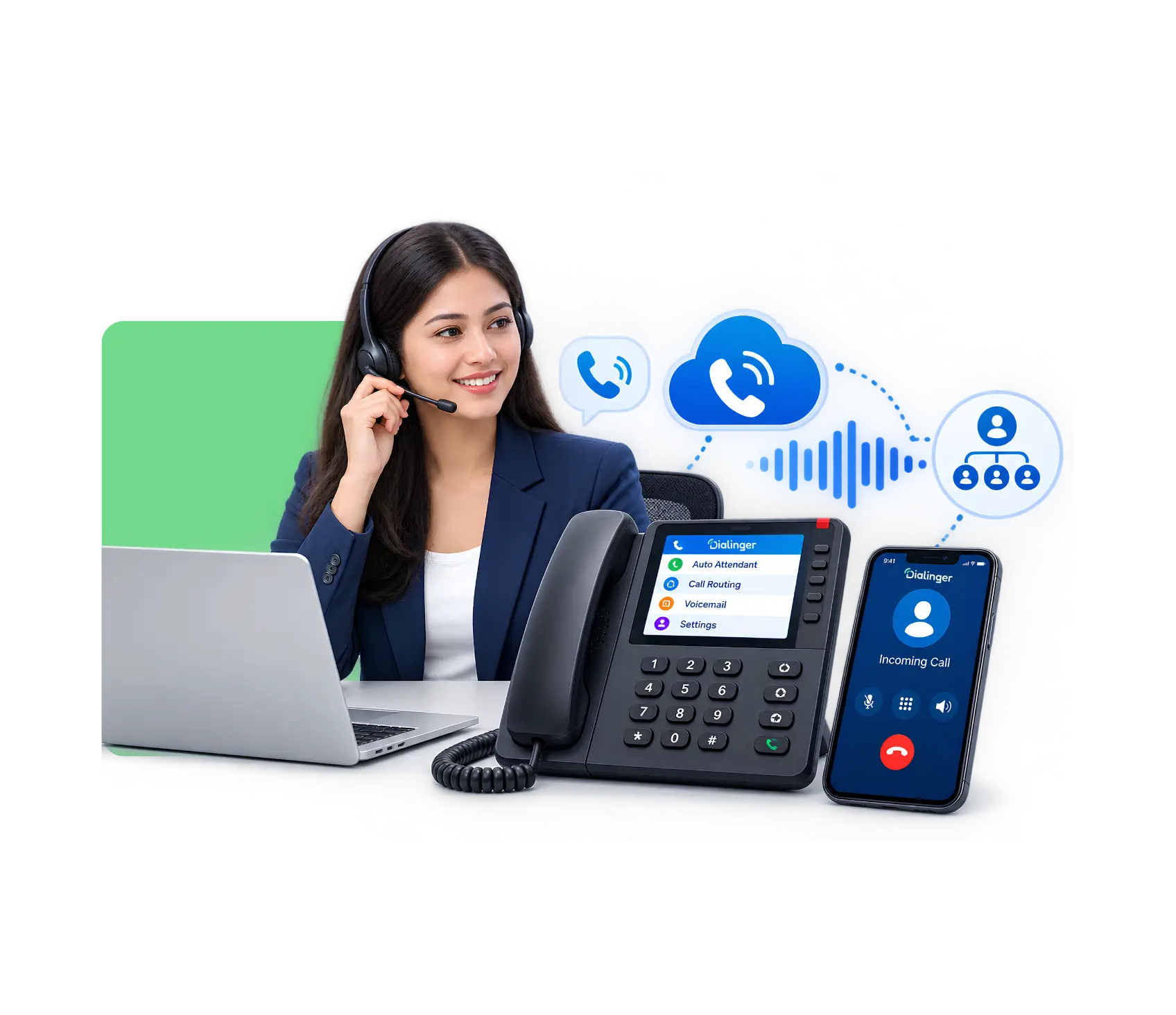
What is an Automated Telephone System?
An Automated Telephone System is software and cloud technology that handles phone conversations without constant human effort. It can greet callers, route them to the right department, collect information through voice or keypad input, and even handle basic requests end-to-end, all without a receptionist lifting a finger. Businesses increasingly rely on an automated telephone answering system to make sure calls are picked up instantly, any time of day, rather than going to voicemail or ringing endlessly.
Because this technology touches real phone networks, it has to follow certain technical standards to actually work reliably across carriers and countries. Here are four that matter:
- SIP (Session Initiation Protocol): This is the backbone protocol that sets up, manages, and ends voice calls over the internet. Most modern automated systems run on SIP because it’s flexible and works across almost any VoIP provider.
- PSTN connectivity standards: Even cloud-based systems need to talk to the traditional Public Switched Telephone Network, so calls can reach landlines and mobile numbers, not just other internet-based lines.
- DTMF (Dual-Tone Multi-Frequency) signaling: This is what lets a caller press “1 for sales, 2 for support” and have the system actually understand and act on it.
- TLS/SRTP encryption standards: These protect the actual voice data and call metadata from being intercepted, which matters a lot once you’re handling customer information over the phone.
Features of Automated Telephone System
A good system isn’t just about “answering calls automatically.” The features underneath decide whether it actually makes work easier or just adds another layer of frustration. Here’s what users are really looking for when they shop for one:
- Interactive Voice Response or IVR: This is the part most people picture first. When someone calls, they hear a short menu and can press numbers or speak what they need. The IVR system then sends them straight to the right place. People like it because they stop sitting on hold while someone tries to figure out where to send them. No more “please hold while I transfer you” every single time.
- Smart call routing: Instead of dumping every caller into one long line, the system looks at simple rules you set. It can send the call to the sales team, the support desk, or the person who already helped that customer before. Callers notice the difference right away because they do not have to explain their problem three times to three different people.
- CRM integration: This CRM one really changes the day for sales and support teams. The moment the phone rings, the agent sees the full customer file on the screen. Past calls, orders, notes, everything is already there. No one has to dig through folders or ask “can you remind me who you are?” The conversation starts with real context, which makes the whole talk faster and more personal. For many teams this single link is the reason they switch systems.
- Call recording and transcription: Every conversation can be saved and later turned into written text you can search. New team members learn faster by listening to real calls. Managers can settle questions about what was said without relying on memory. Details that used to disappear after the call stay easy to find.
- Voicemail to text: When someone leaves a message, the system turns it into written text and drops it in your inbox or app. You read it in seconds instead of dialing in and listening through long recordings. It is a small change that quietly saves time every single day.
- Auto attendant and virtual receptionist: A warm recorded voice greets every caller and points them in the right direction, even when the office is closed. A small team suddenly sounds organized and available around the clock. Customers feel looked and seen after instead of hearing endless ringing.
- Call analytics and reporting: You finally see clear numbers instead of guessing. How many calls came in, how long people waited, which hours get busiest, how many calls were missed. The data turns the phone system from something you just live with into something you can actually improve week by week.
- Multichannel notifications: If a call is missed or a new voicemail arrives, you get a quick alert by email, text, or phone notification. You stay in the loop even when you step away from the desk for a few minutes. Nothing important slips through just because you were not staring at the screen.
We'd Love to Hear From You
Ready to expand your business globally?
Fill out the form below, and our team will help you choose the perfect number.
Benefits of Automated Telephone System in Businesses
Once a business puts one of these systems in place, the impact tends to show up fast. Here are six of the biggest ones:
Never miss a call again
Even after hours or during peak periods, the system answers, so leads and existing customers aren't left hanging.
Lower operational costs
You need fewer people dedicated purely to answering and routing calls, which frees up staff for higher-value work.
Faster response times
Calls land with the right person on the first try. Customers no longer get bounced from desk to desk while repeating their story.
Consistent customer experience
Every caller hears the same professional greeting and follows the same clear path. The experience stays steady no matter who is working or how busy the day gets.
Data-backed customer
insights
Every call leaves a clear record of who called, when, how long they stayed, and what happened next. After a few weeks the patterns become obvious and help you plan staffing and service better.
Scalability
When call volume climbs the system simply handles more conversations. You grow without needing a matching jump in phone staff.
Use Cases of Automated Telephone System
Once a business puts one of these systems in place, the impact tends to show up fast. Here are six of the biggest ones:
Sales lead capture
Instantly answer inbound calls from marketing campaigns and route them to available sales reps so hot leads never go cold while waiting on hold.
Appointment scheduling and reminders
Clinics, salons, service businesses use it to confirm, reschedule, remind customers of appointments without taking up staff time.
After hours and call management
The system manages call spikes or office closure so customer gets a response instead of dead line.
Automated telephone answering system for
customer service
Support teams use it to greet callers, triage issues by urgency, and either resolve simple requests automatically or route complex ones to the right specialist: cutting wait times dramatically compared to a fully manual desk.
How To Choose the Right Automated Telephone System
With so many providers out there, it can feel a little hard for picking the right one. An easy six-step way to think about it is this:
Step 1: Map out your actual call volume and patterns
Sit down and look at how many calls come in, when they get busiest, and where things currently go wrong. That picture shows you what you really need instead of chasing shiny features in a demo.
Step 2: Check integration compatibility
Check for smooth integration with the CRM, helpdesk or scheduling tools you already use. A system that doesn’t share information simply creates more work for your team.
Step 3: Test the IVR and call flow builder
Try building a simple menu yourself during the trial. If changing a greeting feels complicated or needs a developer, daily use will become frustrating fast.
Step 4: Look at reporting and analytics depth
Look for missed calls, agent performance and where callers drop off, don’t just look at basic call counts. And those details help you improve instead of just looking at numbers.
Step 5: Confirm pricing and scalability
Ask how does cost change if you add users learn about all the aspects of costs, numbers or more call volume. Clear answers now, so you don’t get surprise bills when the business starts growing.
Step 6: Review support and uptime reliability
This system becomes the front door of your business, so check the provider’s track record for staying online and how quickly their team responds when something breaks.
Automate Your Business Communication with Dialinger
If all of this sounds like exactly what your business needs, Dialinger brings it together in one place. From smart IVR menus and CRM integration to call analytics and virtual receptionists, Dialinger is built as a complete automated telephone answering system for teams that want fewer missed calls and more meaningful conversations. Instead of stitching together separate tools, businesses get one dashboard that handles routing, recording, reporting, and customer context, all in sync.
Whether you’re a small team trying to sound bigger, a growing sales floor that can’t afford dropped leads, or a support desk drowning in repetitive questions, an Automated Telephone System built on the right foundation changes how your business is experienced by every single caller. Dialinger makes that shift simple, so your team can spend less time managing phones and more time actually growing the business.
Frequently Asked Questions (FAQs)
What is an Automated Telephone System, and how does it work?
An Automated Telephone System is simply a phone setup that handles both incoming and outgoing calls using rules you set ahead of time, so a live person does not have to answer every single one. It greets the caller, sends them to the right place, and can even clear up simple questions on its own. Most of these systems use IVR menus so the caller is pointed in the right direction the moment they dial in.
Is an Automated Telephone System the same as an IVR system?
Not quite. IVR is just one part of the larger system. IVR is the menu callers hear and use, like pressing 1 for sales or 2 for support. The full Automated Telephone System adds call routing, recording, CRM links, analytics and more on top of that menu. So every Automated Telephone System includes IVR, but IVR by itself is not the whole thing.
Can an automated telephone answering system replace my customer support team?
It is not designed to take their place. It is designed to take the repetitive work off their plate. The automated telephone answering system looks after the greetings, common questions and basic routing so your team can spend time on the conversations that really need a person. Most companies run both together rather than choosing one or the other.
How does CRM integration improve an Automated Telephone System?
Once the phone system is linked to your CRM, every call is automatically saved against the right customer record. No more handwritten notes or later hunting through files. The moment the phone rings the agent already sees the full history, which makes the conversation feel personal and saves the customer from repeating everything again.



