Voicemail Transcription Service: Turn Messages Into Text Easily
Your office phone runs over the internet now. Calls ring on a laptop, a mobile app, or a desk phone, whichever one is closest. Then you step away for ten minutes, and a voicemail shows up with a cheerful little notification: 1:42 long. Do you press play and listen to someone ramble, or put it off and hope for the best? Most of us put it off. A voicemail transcription service fixes that, and it’s a natural fit for VoIP, because your messages are already digital files traveling through your phone system. Turn them into text and you can read a message the way you’d read a quick email.
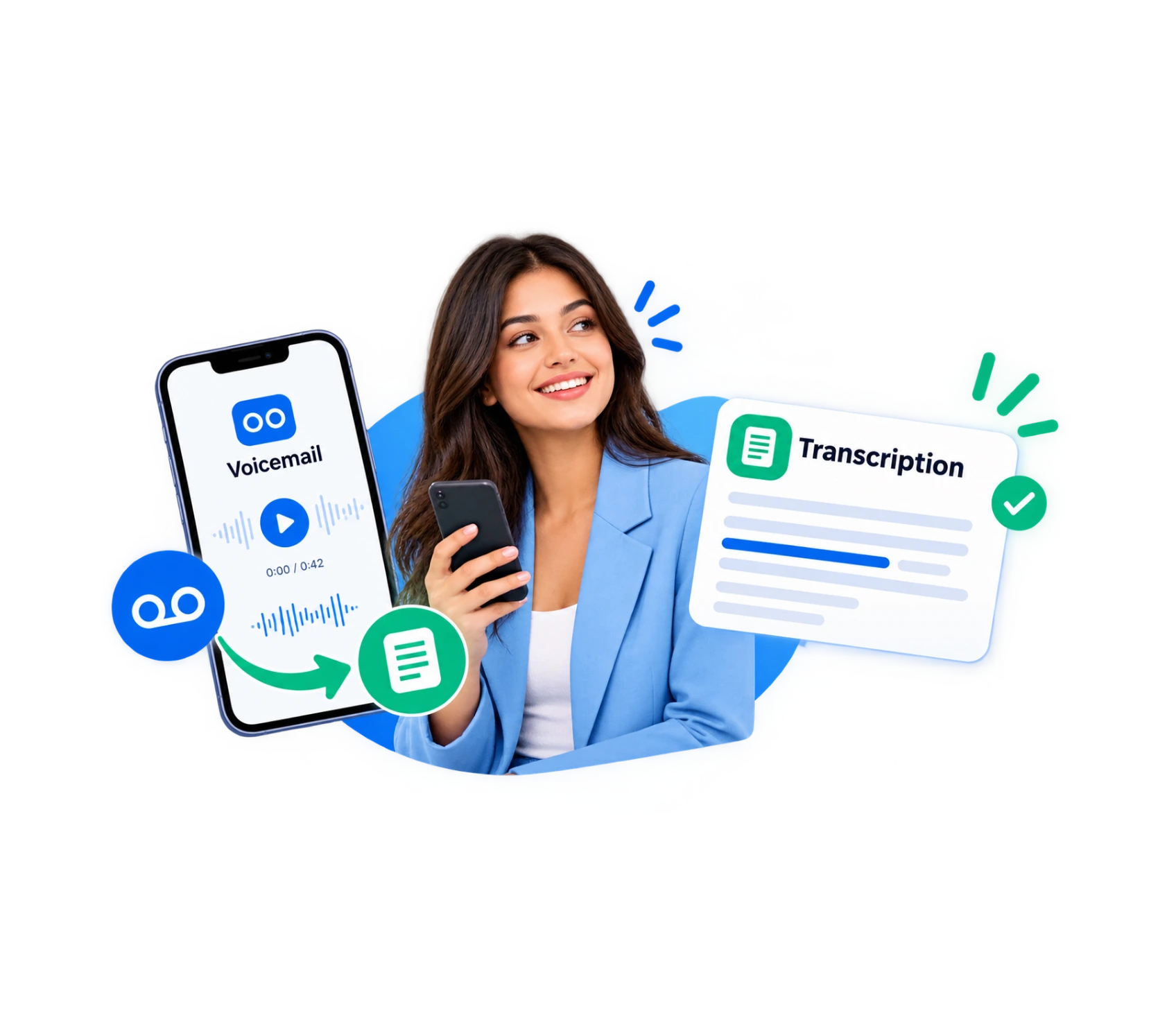
What Is a Voicemail Transcription Service?
It’s a feature that listens to the messages callers leave and writes them down for you. A caller talks, software turns the speech into words, and the text appears where you already work, like your email or phone app. The audio usually stays attached, so you can still hear the tone when a call sounds urgent or upset.
On a VoIP system this is especially easy. Every voicemail is already a digital recording sitting in your provider’s cloud. There’s no tape, no physical mailbox to dial into, and no waiting. The text can be created and delivered almost the moment the message is saved.
You also get a handy side effect: a searchable history. When a customer says “I left you a message in March about the invoice,” you can type “invoice” and find it in seconds, instead of replaying a month of recordings.
How Does Voicemail Transcription Software Work?
A voicemail transcription service can look like magic, but the steps are plain. Here’s how voicemail transcription software handles a message on a VoIP line:
1→
A caller leaves a message
The call rings out on your VoIP line, and the system records what they say as a digital file.
2→
The file moves through the cloud
Because it’s already online, it can go straight to a speech engine without anyone uploading anything.
3→
Speech turns into text
The engine matches sounds to likely words, using context to choose between look-alike phrases.
4→
The text is tidied up
Better tools add punctuation, format phone numbers, and break long rambles into readable lines.
5→
You get notified
The transcript lands in your email, in the app on your laptop or phone, or as a short text alert.
6→
Both versions are stored
The audio and the text sit together in your call history, so you can search old messages or press play when you want the tone.
Voicemail Transcription by Dialinger
Explore the voicemail transcription service provided by Dialinger, that listens the audio messages callers leave and writes them them down for you to make the job easy.
We'd Love to Hear From You
Ready to expand your business globally?
Fill out the form below, and our team will help you choose the perfect number.
How to Automate Voicemail Transcription for Better Productivity
You get the most from this feature when it runs without anyone babysitting it. If you want to automate voicemail transcription across your VoIP lines, so nobody has to turn it on or sort messages by hand, start here. A voicemail transcription service works best when it’s hands-off:
- Switch it on for every line: Make it the default for all extensions and numbers, so a new hire is covered from their first day.
- Set up where to send transcripts:If they are going to someone, send it to a team email address or a shared inbox so that it’s not stuck with someone who’s not at work.
- Create alerts:You can configure a text or push notification to display the first few lines, based on which you can evaluate the importance from your lock screen.
- Integrate other tools:Attach transcripts to your CRM or help desk and eliminate having to retype messages.
- Prioritize using flag key words:If your tool allows, use words such as “cancel,” “refund,” or “urgent” to flag for priority.
- Implement retention policies:Decide how long to keep audio and text and have older messages purged on a schedule.
Benefits of Using a Voicemail Transcription Service for Businesses
Reading is quicker than listening, and that small gap adds up over a week. These are the some benefits teams notice first:
Faster callbacks
You can scan ten messages in the time it takes to hear two, so the urgent ones get answered first.
Fewer misheard details
Names, numbers, and addresses are right there in writing, so you don't ring the wrong person or write down a digit wrong.
Teams stay in sync
On a VoIP system, people work from different places, and a transcript in a shared inbox lets anyone pick up a message when the person it was meant for is away.
A record you can search
Look up a name or a keyword from months ago, which helps with follow-ups, training, and the occasional dispute.
There’s a quieter benefit too. People who can’t easily listen, like someone in a noisy warehouse, on a train, or with hearing loss, can still read every message. Nobody gets left out of the loop just because they can’t hit play.
What Is Business Voicemail Transcription and Who Needs It?
Business voicemail transcription is the same idea, built for teams instead of individuals. Rather than one person reading their own messages, a group shares transcripts, searches them, and ties them to customer records. A voicemail transcription service pays off most where a missed message can mean a lost sale or an unhappy client. It also suits small teams with no receptionist, because when nobody is free to answer, a readable message is the next best thing.
Here’s who tends to need it most:
- Sales teams: A lead who leaves a message wants a fast reply, and the first company to call back often wins.
- Support teams: Transcripts can become tickets, so nothing slips through after hours.
- Remote and hybrid teams on VoIP: People are in different cities or time zones, and written messages travel better than audio files.
- Clinics, law offices and service firms: Client conversations are reviewed promptly with privacy rules complied with.
Online Presence Management vs. VoIP Presence Management
Plain voicemail still works, but it hasn’t changed much in decades. Once your phones run over the internet, the gap gets bigger. Here’s how they compare:
Feature | Traditional Voicemail | Voicemail Transcription |
How you get messages | Dial in or press play on each one | Read them in your email or app |
Speed | Tied to the length of every message | Read faster than anyone can talk |
Searching | Not possible without replaying | Search by name, number, or keyword |
Sharing | Forward a file or repeat it out loud | Copy, paste, or forward the text |
Accessibility | Needs sound and a quiet spot | Readable anywhere, even in a loud room |
Traditional voicemail still has one edge: tone. That’s why most tools keep the audio next to the text.
How AI Voicemail Transcription Improves Accuracy and Efficiency
AI voicemail transcription relies on models that are trained using vast amounts of recorded speech. That training helps them cope with accents, fast talkers, and everyday phrasing far better than older, rule-based tools. They also use context. If a caller says “I need to reschedule my appointment,” the model knows “reschedule” is a much likelier word than a similar-sounding one. The result is cleaner text, quicker delivery, and fewer messages you need to replay.
In practice, it looks like this:
- Better accuracy: The software gets stronger at names, numbers, and common business phrases.
- Speed: Messages are processed in seconds to a couple of minutes, so you see them almost as they arrive.
- Smart extras: Some tools can summarize a long message, pull out phone numbers, or flag an unhappy caller.
- More languages: Many models handle several languages, which helps teams with customers around the world.
Key Features to Look for in a Voicemail Transcription Service
Two plans can both say “transcription included” and feel nothing alike once you use them. If business voicemail transcription is going to be part of your daily routine, hold out for these things:
- It lives inside your phone system: When transcription is part of your VoIP platform, the text, the audio, and the call history all sit in one spot. A separate app bolted on the side usually means more tabs and more missed messages.
- Accuracy that survives real life: Play it a few messy recordings, like a call from a car or someone with a strong accent. Clean demo clips tell you almost nothing.
- Quick delivery: A transcript that arrives a minute or two after the message is useful. One that shows up hours later is just a record.
- Easy search: You’ll want to dig up a message by a name, a keyword, or a phone number without scrolling through weeks of them.
- Choice in how it arrives: Some people live in their email, others in an app, others on text alerts. Good tools let each person pick.
- Clear security and retention rules: Ask about encryption, how long messages are kept, and who gets to read them. Vague answers here are a red flag.
Common Voicemail Transcription Problems and How to Fix Them
Nothing runs perfectly, and this feature is no exception. If you’re planning to automate voicemail transcription for your whole team, or you’re counting on AI voicemail transcription to do the heavy lifting, these four snags are the ones you’ll most likely meet:
- Mangled names and numbers: Unusual surnames and fast-spoken phone numbers trip up even good software. For anything important, glance at the audio, and add a line to your greeting asking callers to say numbers slowly.
- Noise and strong accents: A bad line makes for a bad transcript. A greeting that politely asks callers to speak clearly helps a bit, and stronger tools simply cope better.
- Transcripts that arrive late, or not at all: Start with the boring checks. Is the feature switched on for that line, are notifications allowed, and is the internet connection holding up?
- Privacy jitters: A voicemail can hold private details, so it’s fair to worry. Find out where the data lives, whether it’s encrypted, and who can open it, and agree on how long you’ll keep it.
How to Choose the Best Voicemail Transcription Software
Begin with the plain questions. How many lines and people are we talking about, which languages do your callers speak, and how would you like messages delivered? Then put voicemail transcription software through a real test, with muddy, ordinary recordings rather than polished samples. Ask how well it handles names and numbers, how long it keeps your data, and whether that data is encrypted. If you want business voicemail transcription to be genuinely useful, check its links to your CRM or help desk, because that’s what stops messages from gathering dust in a forgotten inbox. And ask two direct questions: does it include AI voicemail transcription, and can you automate voicemail transcription across every line in one go?
Where Dialinger Fits In
Dialinger is one to put on your list. It’s a cloud-based VoIP platform, and its voicemail transcription page walks through how voicemails become text. Transcripts can appear in the Unified Callbox inside the mobile and desktop apps, in your email along with caller details, and as a push notification preview on your phone. You turn it on from the voicemail settings, and the site also has a page about its speech recognition AI. While you’re weighing up any voicemail transcription service, ask for a demo and run it on your own messages.
Frequently Asked Questions (FAQs)
How accurate is voicemail transcription?
It depends mostly on the recording. With a clear voice and a decent line, modern tools get most of the words right. Accuracy drops with background noise, strong accents, fast talking, and unusual names or industry terms. Phone numbers are the usual weak spot. So treat the text as a quick read, and check the audio when a detail really matters, like a callback number or an address.
Can a voicemail transcription service convert messages automatically?
Yes, and that’s the whole point. Once it’s switched on for a line, every new message is converted on its own, with no one pressing a button. The text usually arrives within a minute or two. The only setup you do is choosing where transcripts should go, like a personal email or a shared team inbox.
Is voicemail transcription secure for business communications?
It can be, if you choose carefully. Voicemails often hold private details, so ask your provider where the data is stored, whether it’s encrypted, who can open it, and how long it’s kept. If you work in an area with privacy rules, like healthcare or legal services, confirm that the provider meets the standards that apply to you. Good retention settings, so old messages delete on a schedule, help too.
Can voicemail transcripts be sent directly to email?
In most cases, yes. Email delivery is one of the most common options. The transcript arrives as text, often with the caller’s number and the time of the call, and many setups attach the audio too. Some tools also offer app notifications or text alerts, so check which delivery methods your provider supports and whether each person can choose their own.