VoIP Failover: How to Keep Your Business Calls Running
It’s a busy Monday morning and the phones go quiet. Your internet dropped, or your provider is having a bad day, and customers are hearing nothing but dead air. Every minute like that costs you sales and trust.
VoIP failover is the safety net that catches your calls when something breaks. This guide explains how it works, what to look for, and how to set up a phone system that stays up when the unexpected happens. It’s all in plain words, so you can use it right away.
What Is VoIP Failover?
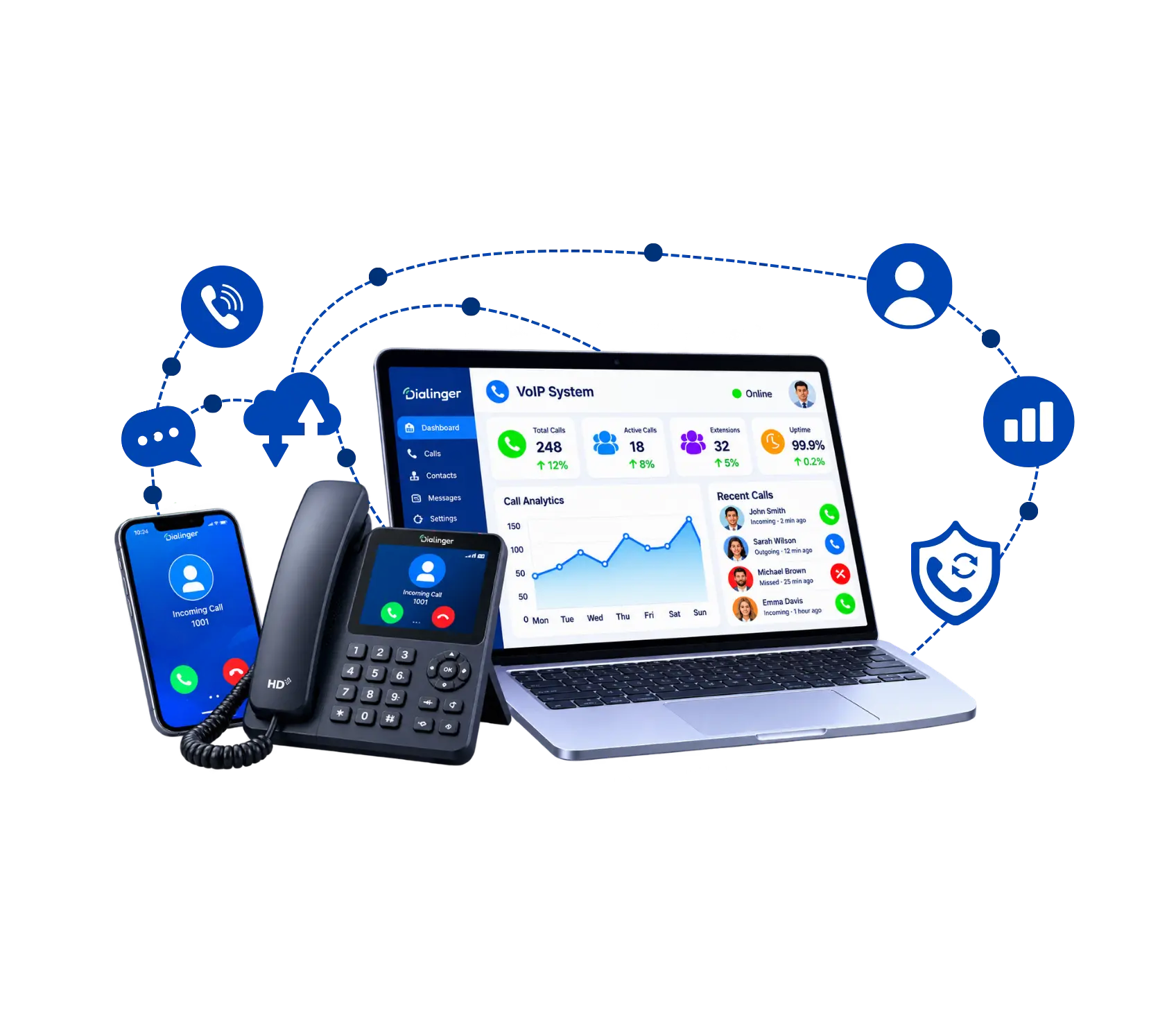
It’s a backup plan built into your phone system. When your main connection or service stops working, calls switch on their own to a backup path, like a second internet line, another server, or your team’s mobile phones. Callers keep getting through, and most of them never notice anything went wrong.
Think of a spare tire. Without one, a flat means pulling over and waiting for help. With one, you swap it and keep driving. A good setup does the same for your calls, only much faster, usually in seconds.
It matters because VoIP depends on the internet. That’s great for cost and flexibility, but it also means one broken link can take down your whole phone line. Failover removes that single point of failure.
Key Features of VoIP Failover Solution
A good VoIP failover solution isn’t one trick. It’s a handful of features working together. Look for these six:
Automatic detection
The system checks your connection all the time, so it spots a problem before you do. Nobody has to press a button or call IT.
Instant switching
Calls move to the backup path in seconds. The faster the switch, the fewer calls get lost.
Call Forwarding
When your office is closed, calls ring on your cell phone or at another location instead of ringing unanswered.
Alerts and monitoring
You get notified when a switch happens so you know what failed, when it failed and how long it lasted.
Backup internet
A second line or a mobile data connection (4G or 5G) keeps the system online if your primary internet fails.
Automatic failback
When the main connection is healthy again, calls move back on their own, without another round of disruption.
We'd Love to Hear From You
Ready to expand your business globally?
Fill out the form below, and our team will help you choose the perfect number.
How SIP Failover Protects Your Calls
SIP is the language most VoIP systems use to set up and end calls. SIP failover is the part that decides where those calls go when a route fails. It’s one layer of VoIP failover, and it protects the link between your phone system and the carrier that connects you to the wider phone network. So what does it do ?
1→
Quickly detects a dead route
It knows when the main SIP connection stops responding, so it doesn’t send calls into a void.
2→
Reroutes to a backup trunk
Calls are rerouted to a second SIP trunk or carrier and still connect to the outside phone network.
3→
Handles inbound calls
People calling your number will be routed to a working path instead of getting a busy signal or out-of-service message.
4→
Dropped calls
Most new calls function normally with quick switching. Calls already in progress may still drop during the switch, so it’s worth asking your provider what to expect.
5→
Reduces the damage from carrier outages
If one provider has a rough day, the backup carrier takes over the work.
6→
Works with your other backups
It fits alongside a second internet line or a mobile fallback, so you’re never counting on a single fix.
What Is VoIP Redundancy and How Does It Build a Reliable Phone System?
VoIP redundancy simply means having a spare for the parts of your phone system that can break. Failover is the switch that moves calls over, and redundancy is the thing it switches to. Without a spare, VoIP failover has nothing to move your calls to. You need both if you want a phone system people can trust.
The idea is easy. Don’t let one failure stop everything. If you have two internet lines, one can fail and calls keep going. If your provider runs two data centers, one can lose power and the other keeps working. Each spare you add removes one more way for your phones to go dark, and the system gets steadier with every layer.
Here are the main places to add a spare:
- Internet connection: A second provider, or a mobile data backup for emergencies.
- SIP trunks and carriers: Two or more routes to the phone network, so one carrier problem doesn’t cut you off.
- Servers and data centers: Calls hosted in more than one location, ideally in different regions.
- Power: Battery backup for routers, switches, and phones so a short power cut doesn’t end your day.
- Devices and apps: Softphone and mobile apps that keep working if the desk phones go down.
You don’t need all of these on day one. Start with the weak spot that would hurt most, usually your internet connection, and build from there.
Role of VoIP Disaster Recovery in Business Continuity
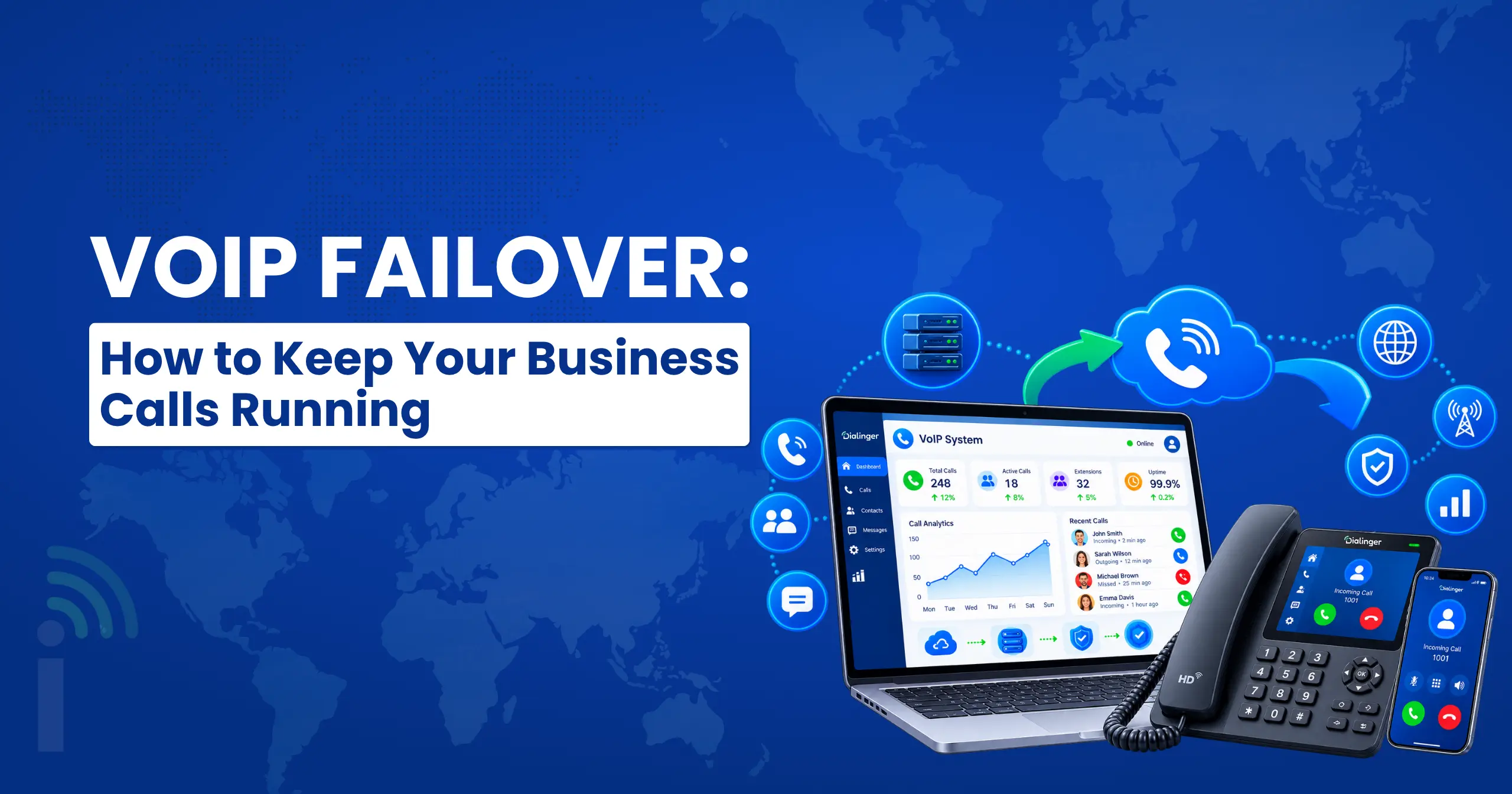
Failover handles the small hiccups. VoIP disaster recovery handles the big ones: a storm, a fire, a long power cut, a cyberattack, or an office you simply can’t walk into. VoIP failover is the quick fix, and disaster recovery is the bigger plan wrapped around it. Here’s what it does for your business:
- Keeps customers able to reach you: Calls route to another location, to staff mobile phones, or to a remote team, so your number never goes quiet.
- Lets people work from anywhere: With a cloud-based phone system, your team can log in from home or another site and keep working as normal.
- Protect your phone settings: Call flows, greetings, numbers, and user details are backed up, so you’re not rebuilding everything from memory after an outage.
- Gives you a written plan: Who does what, who gets called first, and how often you test it. VoIP redundancy across more than one site is a big part of that plan, but the plan only works if people have actually practiced it.
Benefits of Implementing VoIP Failover
Here’s what you gain once a backup is in place:
Fewer missed calls
Customers keep reaching you even when something breaks, which means fewer lost leads and fewer angry voicemails.
Protected revenue
For sales and support teams, every minute of silence has a price. A backup shortens or removes that gap.
Less stress on your team
No scrambling to find a fix while customers wait. The system does it for you, and the staff can focus on the job.
Better customer experience
People remember the company that picked up when things went wrong, and they remember the one that didn’t.
Stronger carrier-level protection
SIP failover keeps calls flowing even when one provider has trouble, so you aren’t tied to a single company’s uptime.
A cleaner recovery plan
It slots neatly into your VoIP disaster recovery plan, so small outages and big ones follow the same clear process.
How to Choose the Right VoIP Failover Setup
The right setup depends on your business size, call volume and outage cost. Use this checklist to compare options:
- Work out the cost of downtime: Estimate what an hour of dead phones costs you. That number tells you how much backup is worth paying for.
- Ask how fast the switch happens: Seconds is good. Minutes is not. Also check whether failback to the main connection is automatic.
- Look for a real VoIP failover solution: Basic call forwarding is not enough. You want detection, backup routes, and alerts working together.
- Ask about SIP failover: Find out whether your provider supports more than one carrier or trunk, and how calls reroute when one fails.
- Check their VoIP redundancy: Ask whether the provider runs more than one data center, and where they’re located.
- Plan your own internet backup: Even the best provider can’t help if your office connection is the only thing between you and the cloud.
- Test it before you need it: Ask for a test, then run one yourself. Unplug the main line and see what happens.
- Check support and pricing: You want a real person to answer when something breaks, and pricing that’s clear before you sign.
Where Dialinger Fits In
Dialinger is a cloud-based communication platform worth adding to your shortlist. Because it’s cloud-based, your calls aren’t tied to one desk or one office. Its virtual phone system works from the cloud, and features like call forwarding and mobile apps help your team stay reachable from different places. If your business is growing, the scalable VoIP phone system page explains how to add users without a big rebuild.
Before you commit to any VoIP failover plan, ask Dialinger directly how backup routing works for your setup, which failover options are available, and how it supports your VoIP disaster recovery plan. When you compare any VoIP failover solution, those answers tell you more than a feature list.
Frequently Asked Questions (FAQs)
Is VoIP failover the same as call forwarding?
Not quite. Call forwarding sends calls somewhere else, but you usually have to set it up by hand, and it only helps if your phone system is still reachable. VoIP failover watches your connection on its own and reroutes calls automatically when something breaks. Forwarding is a helpful piece of it, but it’s not the whole thing.
Do small businesses really need it?
If your phone is how customers reach you, then yes, it’s worth a look. A small team often has just one internet line and no IT person, so one outage can shut down everything. You don’t need a huge setup. A mobile data backup and a forwarding rule to a cell phone is a good start.
How fast does the switch happen?
It depends on the setup, but a good one moves calls over in seconds. Slower ones can take a few minutes, and that’s too long for a busy phone line. When you’re comparing providers, ask for a real number, not just “it’s fast.”
Do small businesses really need it?
If your phone is how customers reach you, then yes, it’s worth a look. A small team often has just one internet line and no IT person, so one outage can shut down everything. You don’t need a huge setup. A mobile data backup and a forwarding rule to a cell phone is a good start.