Hosted VoIP Made Simple: Better Calls Without the Hardware Headaches
If your office phone system still lives in a closet, you know the feeling. A box with blinking lights, a tangle of cables, and a technician you have to call every time something breaks. Hosted VoIP is how a lot of companies are leaving that behind. Instead of owning and fixing the system yourself, your provider runs it for you in the cloud, and your team just makes and takes calls over the internet.
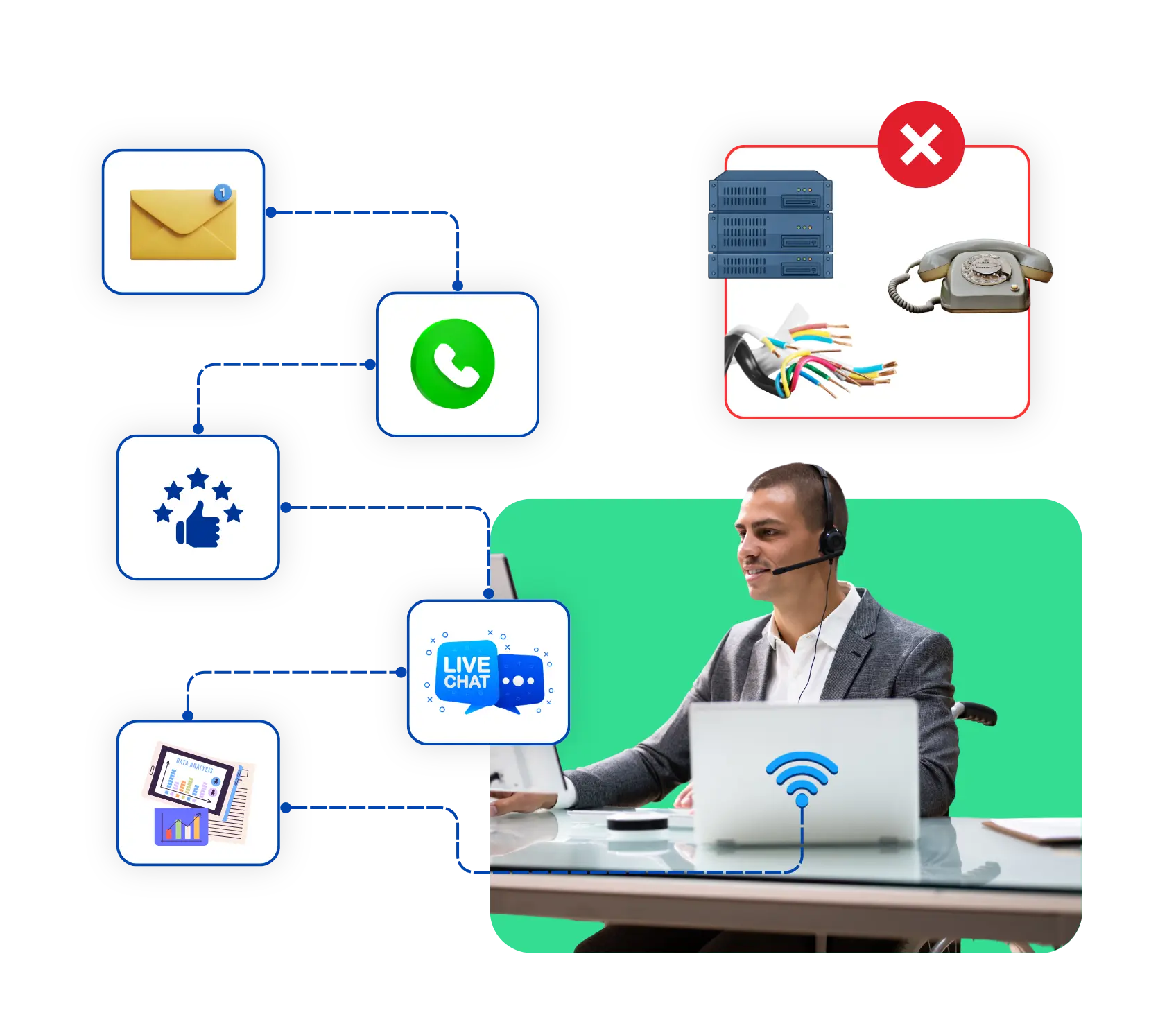
What Is Hosted VoIP?
It’s a phone service where a provider owns, runs, and looks after the phone system, and you use it over the internet. VoIP stands for Voice over Internet Protocol, which just means your calls travel as data instead of through old copper phone lines. The “hosted” part means the heavy equipment sits in the provider’s data centers, not in your office.
You get a business number, apps, and desk phones if you want them. The provider takes care of updates, security, and repairs. So instead of buying a big system and hiring someone to babysit it, you pay a monthly fee and get on with your day.
A good comparison is streaming music. You used to buy CDs, store them, and replace the scratched ones. Now you just press play, and somebody else looks after the library. Hosted VoIP works the same way for your phones. You get the service, and the provider gets the maintenance.
How a Hosted VoIP Phone System Works
It sounds technical, but the flow is simple. The “behind the scenes” of a hosted VoIP phone system when you call or make a call:
1→
Choose numbers and user
Your provider sets up your business number and creates an account for each user.
2→
Your voice becomes data
Your phone or an app converts your voice into little packets of data.
3→
It's carried in the internet
Those packets traverse your internet connection to a provider’s internet servers.
4→
The provider routes the call
They determine who should answer, based on your rules for menus, ring groups, forwarding and voicemail.
5→
It connects to the other person
If they’re on a regular phone, the provider hands the call to the ordinary phone network so it rings like normal.
6→
It rings wherever you are
A desk phone, a laptop, or a mobile app can all ring at once, and you manage everything from a simple dashboard.
The whole thing happens in a fraction of a second, so the person on the other end just hears a normal conversation. The only real requirement on your side is a steady internet connection, which is worth checking before you switch.
We'd Love to Hear From You
Ready to expand your business globally?
Fill out the form below, and our team will help you choose the perfect number.
Advantages of Using Hosted VoIP for Business
Hosted VoIP for business simply means your company runs its calls through a provider’s cloud system instead of hardware in your building. For a business, that turns into fewer headaches and a lot more flexibility. Here are some advantages:
- Lower upfront costs: There’s no big equipment purchase, and the monthly fee is usually per user, so costs are easy to predict.
- Easy to grow: Hiring five people? Add five users in minutes. Letting some go? Remove them just as quickly.
- Work from anywhere: Your team can take calls from the office, home, or a coffee shop, using the same business number.
- Updates without the hassle: The provider handles software updates and security fixes in the background, so nobody has to schedule downtime.
- Steadier service: Many providers run their systems across more than one data center, so one problem doesn’t have to take your phones down.
- Features you’d normally pay extra for: Voicemail to email, call recording, reports, and mobile apps often come with the plan.
None of this means the cloud is perfect. If your internet is weak, calls will suffer, so a decent connection and a backup plan matter. But for most teams, the gains are far bigger than the risks.

Difference Between Cloud Hosted VoIP vs Traditional Phone Systems
Choosing between cloud hosted VoIP and an old on-site system comes down to a few practical differences. Hosted VoIP is usually the easier path, but it helps to see them side by side.
Feature | Traditional Phone System | Cloud Hosted VoIP |
Setup | Hardware installed on-site by a technician | Set up online, often within days |
Upfront cost | High, with equipment and installation | Low, mostly a monthly fee per user |
Remote work | Limited, tied to the office | Works from anywhere with internet |
Maintenance | You or a technician handle repairs and updates | The provider handles updates and fixes |
Scaling | New lines need new hardware | Add or remove users in minutes |
A traditional system can still make sense in special cases, like a site with poor internet or strict rules about where equipment must sit. For most teams, though, the flexibility of the cloud wins.
If you’re not sure which way to go, think about where your team works today and where it might work in two years. A system that only works in one building gets awkward the moment someone moves, travels, or works from home.
What Hosted PBX Means
Hosted PBX is an older name for much the same idea. PBX stands for private branch exchange, which is the system that routes calls inside a company: extensions, transfers, ring groups, and phone menus. A traditional PBX sits in your building. With a hosted PBX, the provider runs that system in the cloud, and you connect to it over the internet.
People often use the two terms for the same thing. PBX points to the call-routing features, while hosted VoIP describes how the calls travel. If a provider uses either name, ask what’s included, like auto attendants, extensions, and call recording, rather than relying on the label.
Benefits of Hosted VoIP for Small Business
For a small team, hosted VoIP for small business can feel like a big upgrade without a big bill. Here are four benefits that matter most:
Lower costs
You skip the expensive equipment and the IT contract, and you only pay for the users you have.
A bigger, more professional image
A greeting menu, one main number, and voicemail to email make a three-person shop sound established.
Room to grow
You can add lines as you hire, without rewiring anything.
Always reachable
Calls can follow you to your mobile, so a missed call doesn't mean a lost customer when you're out on a job.
There’s also the time you get back. Nobody on a small team wants to spend an afternoon on hold with a phone vendor. When the provider handles the technical side, you can focus on customers instead.
Key Features of a Good Hosted VoIP System
Not every plan is equal, so it pays to know what to look for. A good hosted VoIP system should cover the basics and then some, and even a simple hosted VoIP phone system should include these six things:
Smart call routing and forwarding
Calls should reach the right person or a backup without anyone doing it by hand.
An auto attendant
A friendly menu that sends callers to the right team keeps your front line tidy.
Voicemail to email
Messages should land where you'll actually see them, with transcripts if possible.
Mobile and desktop apps
Your team should be able to call from a phone, a laptop, or a desk phone, using one number.
Call recording and reports
These help with training, disputes, and seeing which hours are busiest.
CRM integration
When the phone system talks to your customer records, agents see who's calling before they answer.
How to Choose the Right Hosted VoIP Provider
Picking a provider is the step that matters most, so take your time. If you’re considering cloud hosted VoIP for a small group or hosted VoIP for business across multiple locations, these are some considerations to help you make an unbiased comparison:
- Check reliability: Inquire about uptime and recovery plans if there were a problem at one data center.
- Check call quality:“What happens to calls if internet is interrupted such as sending calls to mobile?”.
- Check actual costs: It’s important to compare the actual monthly cost: the number of calls, minutes and extras will all be included.
- Match the feature: Use the features that are most important to you: don’t over-pay for things you don’t need, and don’t under-pay for things you can’t live without.
- Try it first: Ask for a trial or demo, and have a few real users make real calls.
- Ask about support: You want a human who answers when something breaks at nine on a busy morning.
- Check security: Look for encryption and secure logins, and ask how they handle your data.
- Plan for your number: If you want to keep your current number, check whether the provider can move it over.
If you’re looking at hosted VoIP for small business, add one more question: can it grow with you? Switching providers later is a pain, so pick one that can handle a bigger team without a rebuild.
Dialinger is worth adding to your shortlist. It’s a cloud-based communication platform, and its virtual phone system lets your team make and take calls from the cloud, with features like call forwarding, call recording, and mobile apps. If you want hosted VoIP without the equipment, it’s a good place to look, and the phone number porting page explains how to keep your existing number. When you talk to the team, ask how its setup compares with a hosted VoIP phone system you may already know, how it works as hosted VoIP for business, and how it fits hosted VoIP for small business. It’s also worth asking how it compares with a traditional hosted PBX.
Frequently Asked Questions (FAQs)
Do I have to buy new phones for a hosted VoIP phone system?
Usually not. Most people just use a laptop with a headset, or a mobile app, and that’s it. If you love your desk phone, you can get a VoIP-ready one, and some providers even let you hook up the old ones with a small adapter. Just ask before you spend any money.
How fast does my internet need to be?
Faster than dial-up, slower than you’d think. A call doesn’t use much data, so a normal office connection is usually fine. What really matters is that it’s steady. If your internet gets sluggish when everyone’s online at once, test a few calls at your busiest time and see how they sound.
Can I keep my current business number?
In most cases, yes. It’s called number porting, and your new provider usually handles the paperwork. It can take a few days, so don’t cancel your old service until the move is done. That’s the classic mistake, and it’s how people lose numbers they’ve had for years.
Is hosted VoIP for business safe enough for important calls?
It can be, if you pick the right provider. Look for encryption and secure logins, and ask where your data is stored. You’ve got a part to play too: use strong passwords, turn on two-step login if it’s offered, and try not to take important calls on public Wi-Fi.